Overview
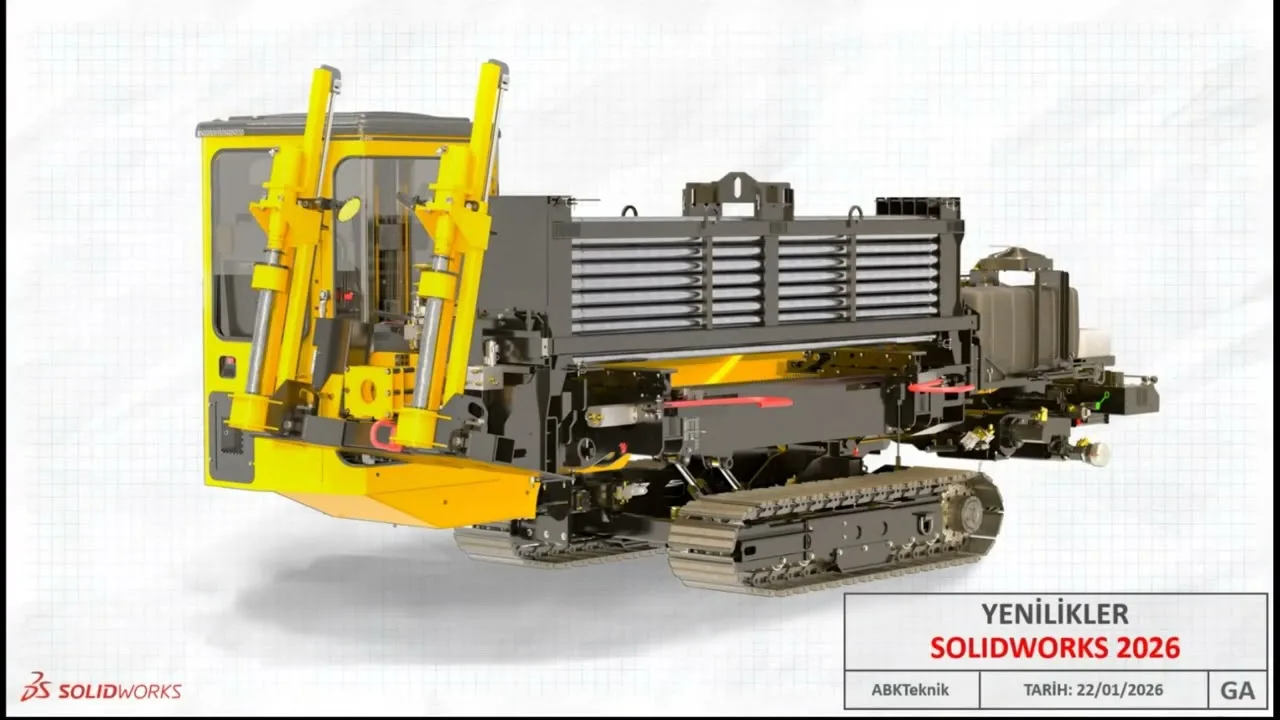
SolidWorks Premium 2026 is Dassault Systèmes' comprehensive 3D CAD and engineering analysis platform, widely regarded as the most popular 3D CAD software in the mechanical engineering and manufacturing industries. It provides a complete design-to-manufacturing workflow with parametric solid and surface modeling, large assembly management, integrated FEA simulation, motion analysis, and routing capabilities.
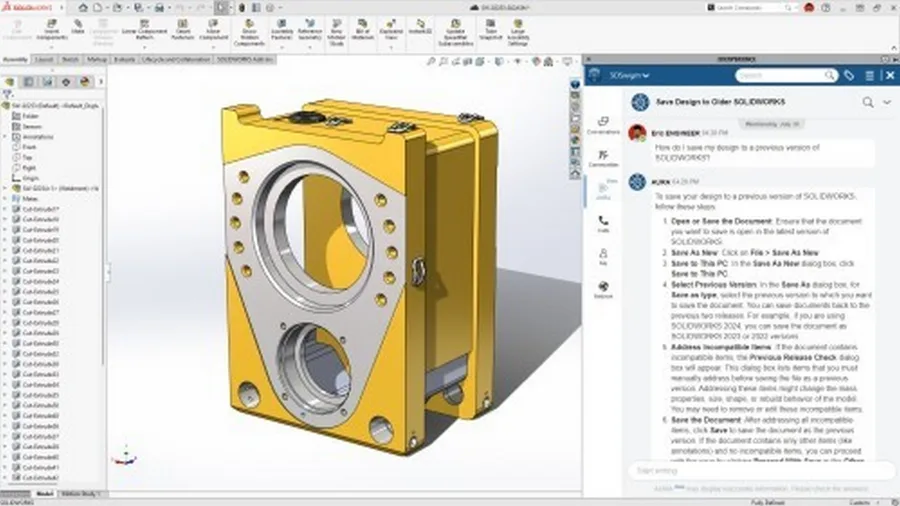
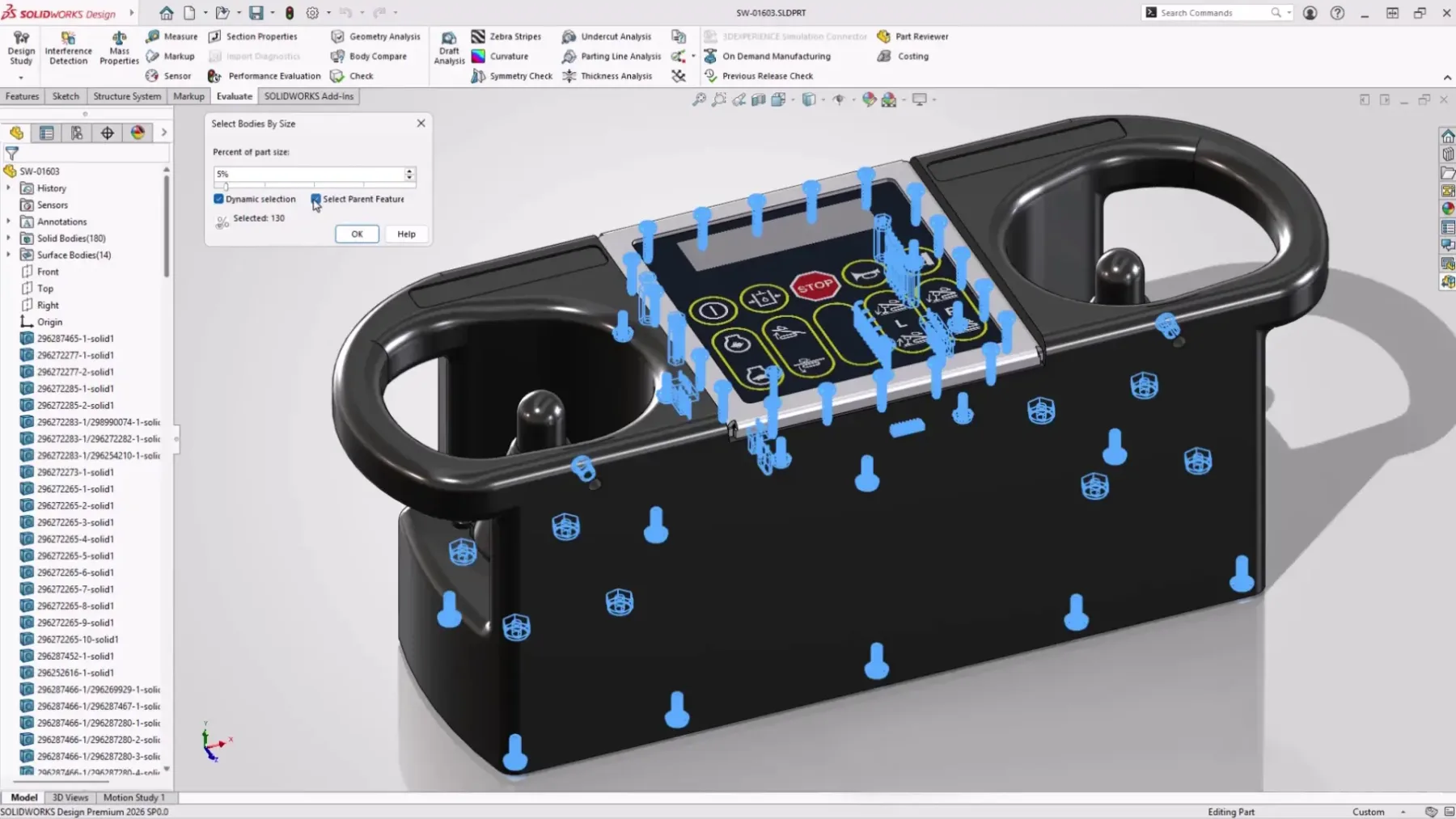
SolidWorks Premium builds on the Standard and Professional editions by adding full FEA simulation (linear static, thermal, fatigue, frequency, buckling), motion analysis with gravity and contact simulation, and routing tools for piping, tubing, and electrical harness design. The 2026 release introduces AI-powered design assistance for automated detailing and component placement, enhanced rendering with NVIDIA Neural Rendering, and significant assembly performance improvements using advanced GPU acceleration.
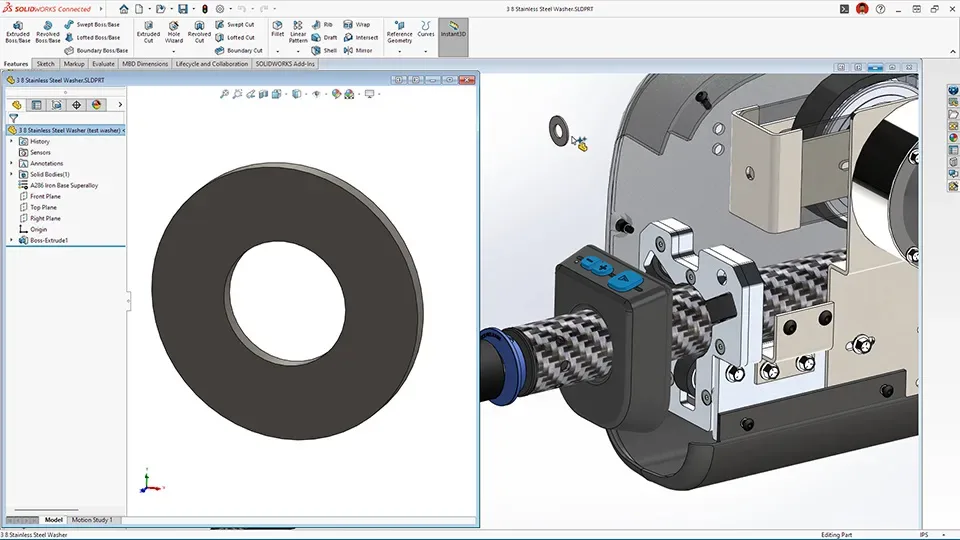
SolidWorks is known for its intuitive Feature Manager design tree, robust parametric modeling, large assembly capabilities (SpeedPak, lightweight components, Large Assembly Mode), and extensive ecosystem of certified hardware, training, and third-party applications. It requires an ISV-certified workstation GPU for optimal performance, typically NVIDIA Quadro/RTX or AMD Radeon Pro.
Capabilities
| Capability | Details |
|---|---|
| Parametric solid and surface modeling | Feature Manager design tree |
| Large assembly design | Configurations, SpeedPak, and lightweight components |
| Integrated FEA simulation | Linear static, thermal, fatigue, frequency, buckling |
| Motion analysis | Motor, gravity, contact, and damping simulation |
| Routing design | Piping, tubing, and electrical routes |
| Sheet metal and weldment design | Manufacturing documentation |
| Reverse engineering | ScanTo3D and mesh editing |
| TolAnalyst | Tolerance stack-up analysis |
| AI-powered design assistance | Automated detailing |
| Rendering | PhotoView 360 and SOLIDWORKS Visualize |
| eDrawings | Lightweight model sharing and review |
| 3DEXPERIENCE | Cloud collaboration platform integration |
Who It's For
- Mechanical designers in product development and manufacturing
- Engineers validating designs with integrated FEA and motion analysis
- Teams routing piping, tubing, and electrical harnesses
- Shop-floor workflows needing drawings, BOMs, and CAM handoff
Why Professionals Choose SolidWorks Premium 2026
SolidWorks is the most widely adopted 3D CAD in mechanical engineering — its FeatureManager paradigm and huge user community make hiring and training straightforward. Premium adds the validation stack (FEA, motion, fatigue) and routing on top, so designs are verified before they ever reach a prototype.
CanalVIP: Organized Access & Support
CanalVIP organizes download links, technical information, and access guidance. Licenses, activations, plugins, and paid resources follow the terms of each vendor or distributor.