Ir para o conteúdo
Voltar ao catalogo
Rhino Inside Revit 1.35
Robert McNeel & Associates

Rhino Inside Revit 1.35

Rhino.Inside.Revit embeds Rhino 7/8 and Grasshopper inside Revit for computational BIM design and free-form modeling.

1.35 Active Windows Listing verificado
Acessar link

Sinais de confianca

Link Revisado
Dados Conferidos
Página SSL

Use apenas fontes confiaveis e confira a origem antes de instalar qualquer arquivo. Disponibilidade pode variar.

Sobre o software

Overview

Rhino.Inside.Revit 1.35 is the technology from Robert McNeel & Associates that embeds Rhinoceros 7/8 and Grasshopper directly into the memory space of Autodesk Revit. It functions as a native add-in that loads the complete Rhino engine (NURBS, SubD, meshes, Breps) and its plugin ecosystem inside Revit, eliminating the historic barrier between free-form/parametric modeling and BIM documentation.

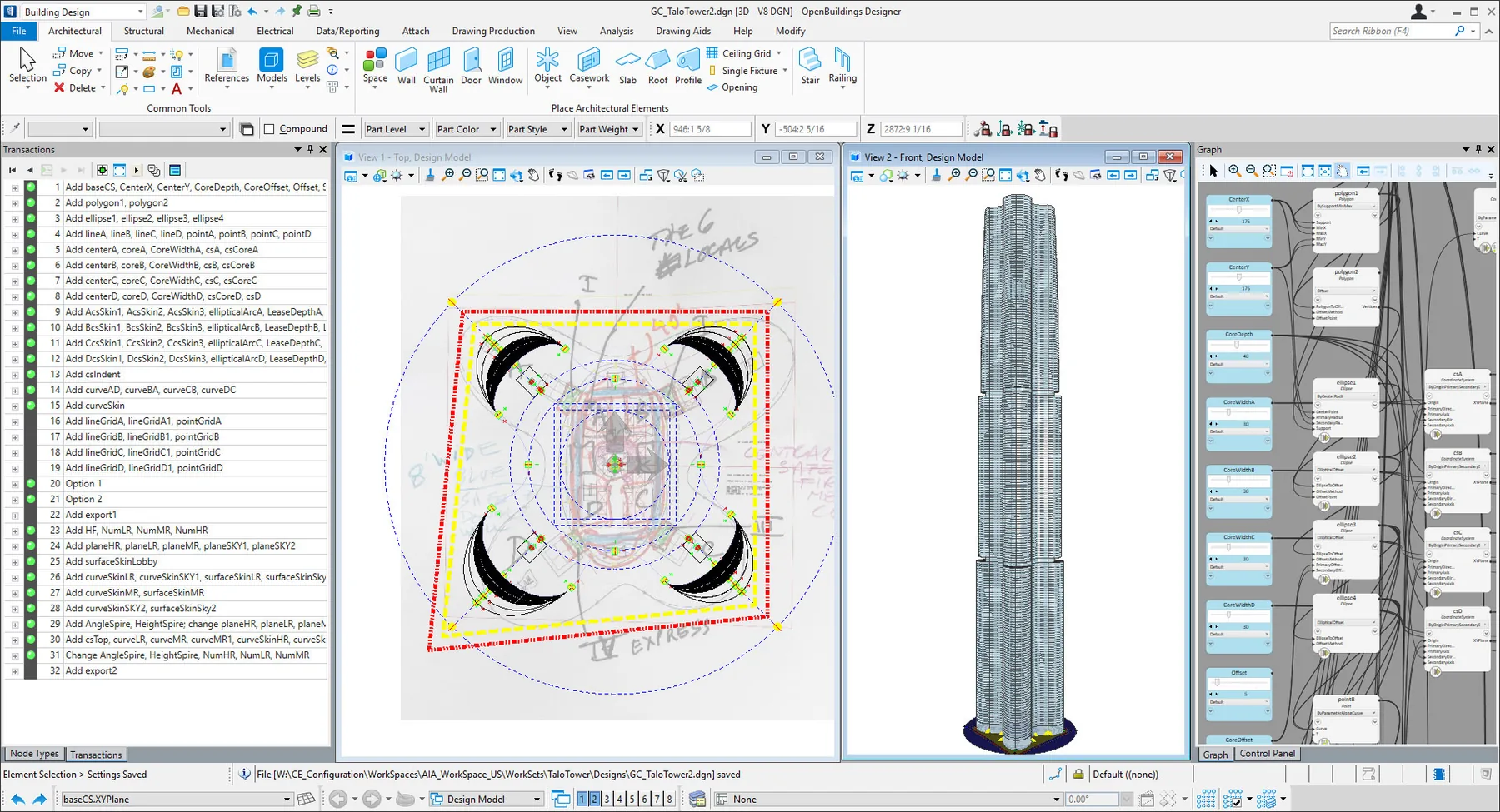
In practice, you open Grasshopper inside Revit (Rhinoceros tab → Grasshopper) and access native components to create, query, and modify Revit elements (walls, floors, ceilings, families, parameters, views, sheets) using Grasshopper's visual logic. Rhino geometry is automatically converted to editable Revit elements, and changes in Grasshopper propagate to the BIM model in real-time — bidirectionally.

Core Capabilities

CapabilityDetails
In-Process IntegrationRhino 7/8 + Grasshopper running inside Revit process (shared memory, no IPC)
Native Grasshopper ComponentsCreate/edit Revit elements: walls, floors, ceilings, beams, columns, families, types, instances, parameters
Bidirectional API AccessFull access to RhinoCommon (geometry) + Revit API (BIM) via Python (ghpython) or C# scripts in Grasshopper
Automatic Geometry ConversionRhino NURBS, SubD, Breps, Meshes → DirectShape, in-place families, mass, native Revit elements
Real-Time SyncGrasshopper changes → immediate Revit model update; Revit selection → data in Grasshopper
Grasshopper EcosystemKangaroo (physics/form-finding), Karamba3D (structural), Ladybug/Honeybee (environmental/energy)
Algorithmic FamiliesComplex parametric families generated algorithmically and loaded directly into Revit projects
Format InteroperabilityIFC, DWG, DXF, SAT, STEP, OBJ, FBX, glTF, USD, 3DM, CSV, Excel, JSON via components
Diagnostics ToolsGeometry preview, selective bake, data trees, param viewers, inline documentation

Why Professionals Choose Rhino.Inside.Revit

Eliminates rework: model in Rhino/Grasshopper and document in Revit without remodeling from scratch. Unifies computational design and BIM: free-form geometry + documentary rigor in a single workflow. Automates repetitive tasks: family creation, sheets, views, annotations, quantities via Grasshopper. Enables integrated optimization: structural analysis (Karamba), environmental (Ladybug), fabrication (Kangaroo) INSIDE the BIM model. Reduces exchange errors: geometry and data flow bidirectionally without intermediate IFC/DWG export/import. Accelerates design iterations: change parameters in Grasshopper → Revit model updates in seconds. Standardizes reusable parametric families: create once, use across multiple projects with exposed parameters. Preserves investment in existing Grasshopper scripts/plugins — they run unchanged inside Revit.

CanalVIP: Organized Access & Support

CanalVIP organizes download links, technical information, and access guidance. Licenses, activations, plugins, and paid resources follow the terms of each vendor or distributor.
Principais recursos

  • 01 Runs Rhino 7/8 and Grasshopper inside the Revit process (shared memory, no IPC)
  • 02 Native Grasshopper components for creating/editing Revit elements: walls, floors, ceilings, beams, columns, families, types, instances, parameters
  • 03 Bidirectional API access: RhinoCommon (geometry) + Revit API (BIM) via Python (ghpython) or C# scripts in Grasshopper
  • 04 Automatic conversion of Rhino geometry (NURBS, SubD, Breps, Meshes) to DirectShape, in-place families, mass, native Revit elements
  • 05 Real-time synchronization: Grasshopper changes → immediate Revit update; Revit selection → data in Grasshopper
  • 06 Full Grasshopper ecosystem available in BIM: Kangaroo (physics/form-finding), Karamba3D (structural), Ladybug/Honeybee (environmental/energy)
  • 07 Creation of complex parametric families generated algorithmically and loaded directly into Revit projects
  • 08 Format interoperability: IFC, DWG, DXF, SAT, STEP, OBJ, FBX, glTF, USD, 3DM, CSV, Excel, JSON via components
  • 09 Diagnostic tools: geometry preview, selective bake, data trees, param viewers, inline documentation
  • 10 Supports Revit 2018–2025+ (compatible builds) and Rhino 7.x/8.x (64-bit, valid license — standalone or Zoo/Cloud Zoo)

Beneficios

  • 01 Eliminates rework: model in Rhino/Grasshopper and document in Revit without remodeling from scratch
  • 02 Unifies computational design and BIM: free-form geometry + documentary rigor in a single workflow
  • 03 Automates repetitive tasks: family creation, sheets, views, annotations, quantities via Grasshopper
  • 04 Enables integrated optimization: structural analysis (Karamba), environmental (Ladybug), fabrication (Kangaroo) INSIDE the BIM model
  • 05 Reduces exchange errors: geometry and data flow bidirectionally without intermediate IFC/DWG export/import
  • 06 Accelerates design iterations: change parameters in Grasshopper → Revit model updates in seconds
  • 07 Standardizes reusable parametric families: create once, use in multiple projects with exposed parameters
  • 08 Preserves investment in existing Grasshopper scripts/plugins — they run unchanged inside Revit

Requisitos

  • 01 OS Windows 10/11 64-bit (21H2+) — DOES NOT run on macOS/Linux (Revit is Windows-only)
  • 02 RAM 16 GB minimum / 32 GB recommended / 64 GB+ for complex projects with heavy Grasshopper
  • 03 CPU Intel Core i7/i9 or Xeon / AMD Ryzen 7/9 or Threadripper PRO — multi-core, high single-thread
  • 04 Disco SSD NVMe with 20 GB free (Rhino + Revit installation + cache + projects)
  • 05 GPU NVIDIA RTX 30/40 series or AMD Radeon Pro — 4+ GB VRAM, OpenGL 4.1+ / DirectX 11+ for Rhino/Grasshopper viewport
  • 06 .NET .NET Framework 4.8+ / .NET 6/7/8 (for C# scripts and Revit addins)
  • 07 Revit 2018, 2019, 2020, 2021, 2022, 2023, 2024, 2025 (builds compatible with Rhino.Inside 1.35)
  • 08 Rhino 7.x or 8.x (64-bit, valid license — standalone, Zoo, or Cloud Zoo)
  • 09 Grasshopper Included in Rhino 7/8 (not a separate installation)

Perguntas frequentes

What is Rhino.Inside.Revit?

It is an add-in that loads Rhino and Grasshopper inside the memory of Autodesk Revit, enabling bidirectional workflows between free-form/parametric modeling (Rhino/GH) and BIM (Revit).

Do I need Rhino installed?

Yes. Rhino 7 or 8 (64-bit) must be installed and licensed on Windows for Rhino.Inside.Revit to load correctly. The Rhino.Inside installer detects the Rhino installation.

Which Revit versions does it work with?

Rhino.Inside.Revit 1.35 supports Revit 2018 through 2025 (specific builds). Check the compatibility matrix at rhino3d.com/inside/revit before updating Revit or Rhino.

What is it used for in practice?

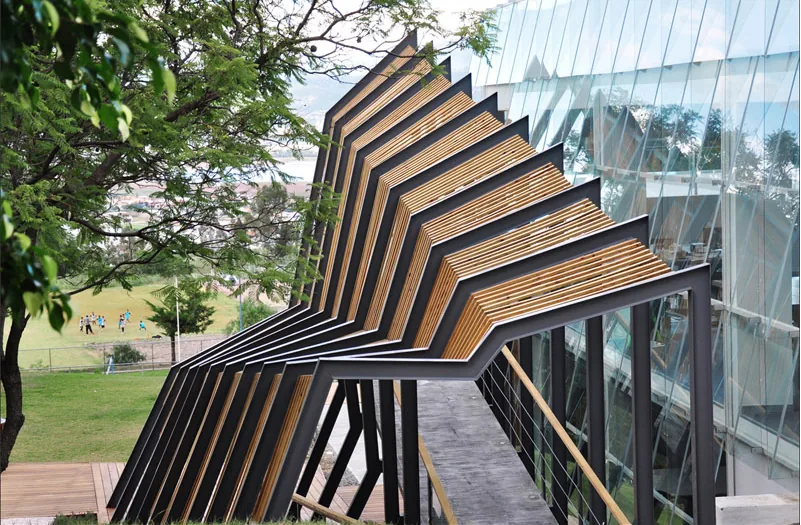
Parametric facades, complex structures (grids, shells, trusses), environmental/structural optimization, documentation automation (sheets, dimensions, tags), parametric families, form-finding, daylight/energy analysis, digital fabrication preparation — all connected to the BIM model.

Can I use my existing Grasshopper scripts?

Yes. .gh/.ghx definitions open normally in Grasshopper inside Revit. Third-party components (Kangaroo, Karamba, Ladybug, etc.) work if compatible with the installed Rhino version.

Does this replace Dynamo?

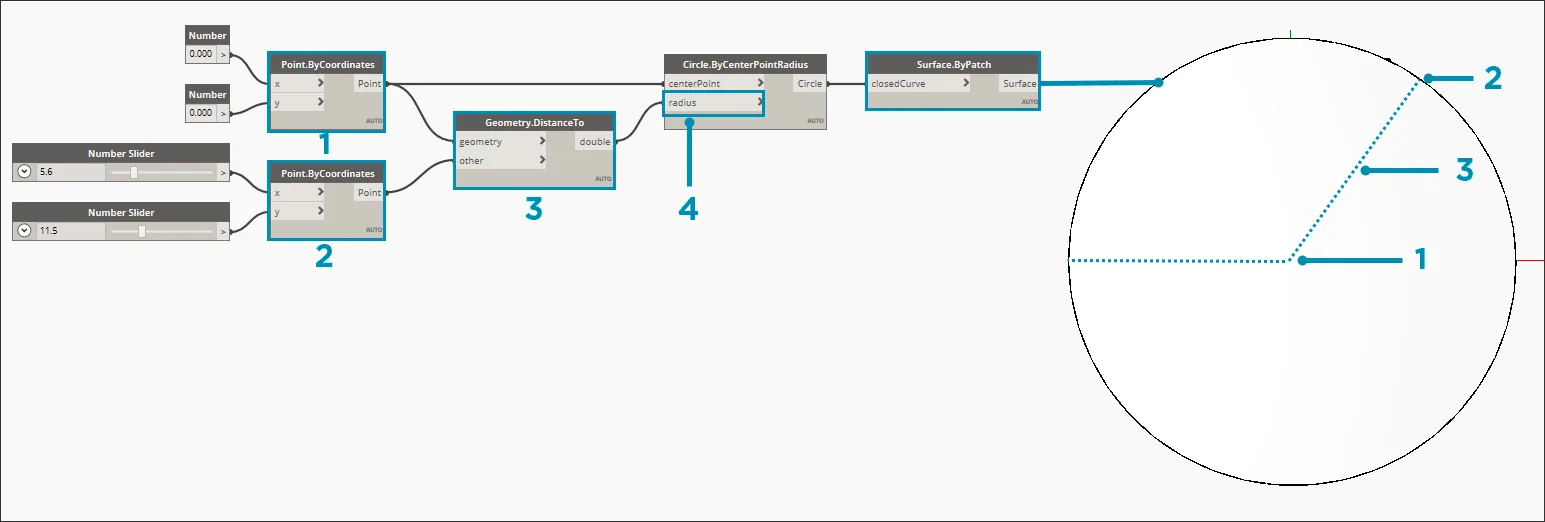
Not necessarily. Dynamo is native to Revit (based on .NET/visual nodes) and strong in pure BIM automation. Rhino.Inside brings Rhino's geometric power (NURBS, SubD, meshes) and the Grasshopper ecosystem (physics, structure, environment). Many teams use both: Dynamo for BIM automation, Rhino.Inside for advanced computational design.

Galeria

Softwares relacionados

Verificar VIP Canal público Solicitar Catálogo