Ir para o conteúdo
Back to catalog
QCAD
AltoQi

QCAD

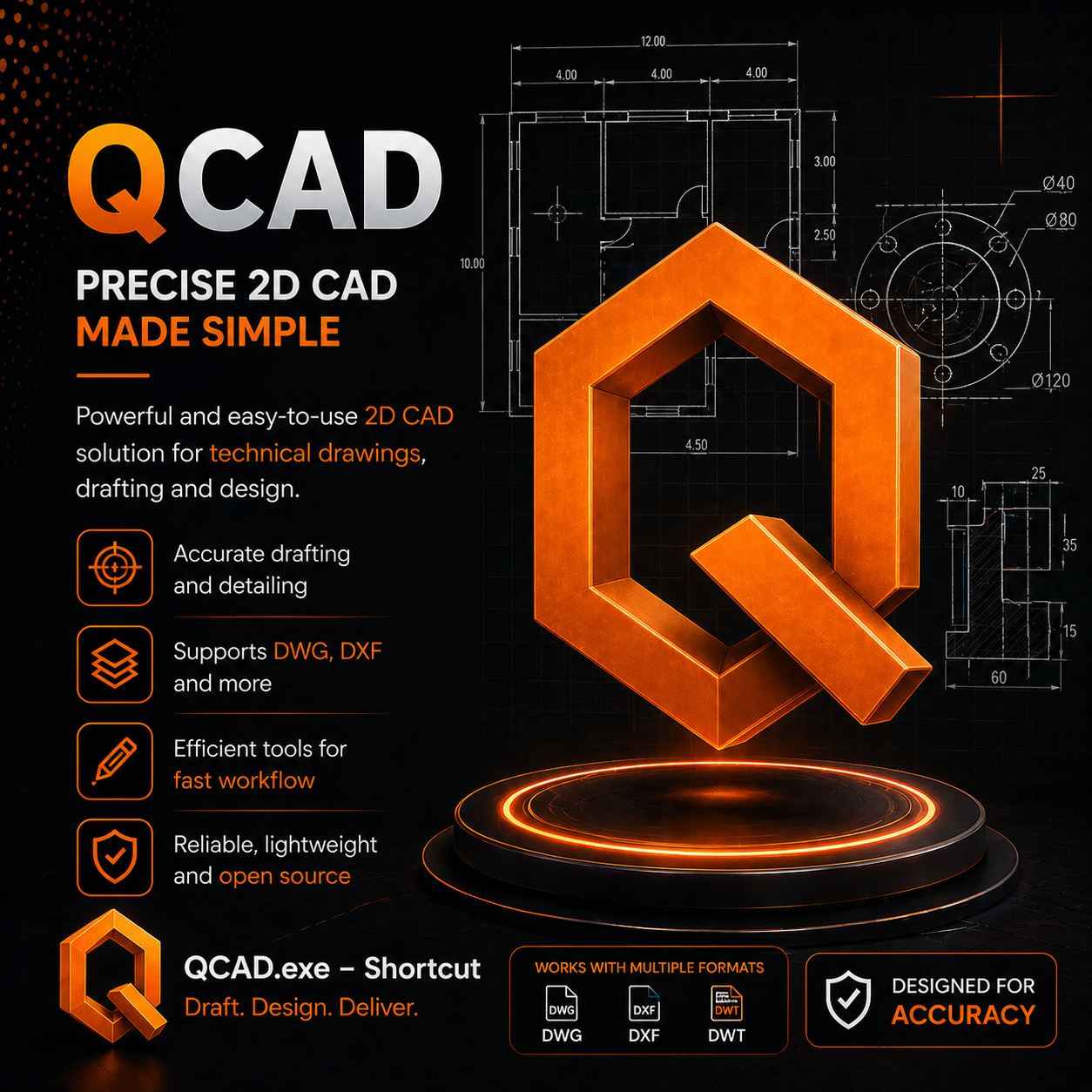
QCAD Professional is a lightweight 2D CAD application with native DWG/DXF support, scripting, and cross-platform compatibility.

2025.12 Available windows Verified listing
Access link Open Telegram

Trust signals

VIP Support
SSL Page
Promotion
Activation

Use only trusted sources and check the origin before installing any file. Availability may vary.

About the software

Overview

QCAD Professional is a powerful, lightweight 2D computer-aided drafting (CAD) application for creating technical drawings, floor plans, architectural layouts, mechanical schematics, and engineering documentation. Developed by RibbonSoft, QCAD combines professional-grade drafting capabilities with an intuitive interface and full DWG/DXF compatibility at a fraction of the cost of mainstream CAD solutions.

The Professional edition adds native DWG read/write support (via the Open Design Alliance Teigha libraries), advanced dimensioning tools, associative hatches, block management, a comprehensive part library with thousands of symbols, ECMAScript scripting for automation, and high-precision scale printing. The Community edition (GPL-licensed) provides the core 2D engine with DXF support.

Core Capabilities

CapabilityDetails
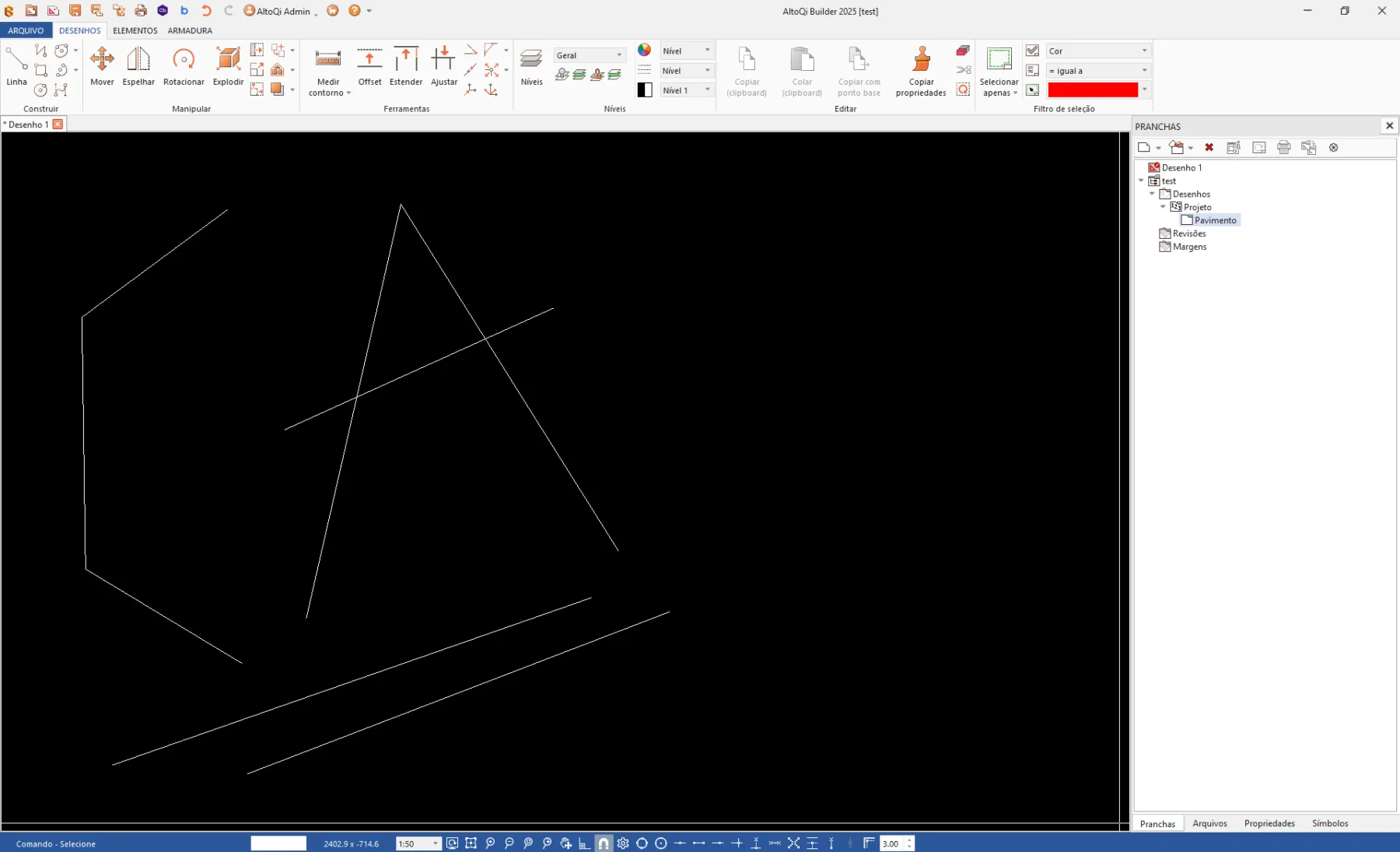
2D DraftingPoints, lines, arcs, circles, ellipses, splines, polylines, and advanced modify tools
Layer ManagementColor, line type, line weight, transparency, and layer state control
DimensioningLinear, aligned, radial, diametric, angular, arc length, and ordinate dimensions
Block & Group ManagementReusable drawing components with attribute support
DWG/DXF CompatibilityNative read/write DWG R2.5–2026, DXF R12–R2018 via ODA Teigha libraries
ECMAScript APIJavaScript-based scripting for automation, custom tools, and batch processing
Part LibraryThousands of architectural, mechanical, and electrical symbols
Print/PlotScale control, paper sizes, multi-viewport layouts, batch plotting
Cross-PlatformWindows, macOS, Linux, BSD with consistent UI

Why Professionals Choose QCAD

QCAD delivers professional 2D CAD capability in an exceptionally lightweight package (under 100 MB) that starts in seconds even on modest hardware. Its native DWG/DXF compatibility ensures seamless file exchange with AutoCAD users, while the ECMAScript API enables deep workflow automation. The comprehensive part library dramatically reduces start-from-scratch drafting time, making it ideal for architects, engineers, educators, and independent professionals who need precise technical documentation without the overhead of heavyweight CAD platforms.

CanalVIP: Organized Access & Support

CanalVIP organizes download links, technical information, and access guidance. Licenses, activations, plugins, and paid resources follow the terms of each vendor or distributor.
Key features

  • 01 Two-D drafting with points, lines, arcs, circles, ellipses, splines, and polylines
  • 02 Layer management with color, line type, line weight, and transparency control
  • 03 Full dimensioning suite — linear, aligned, radial, diametric, angular, arc length, and ordinate
  • 04 Block and group management for reusable drawing components and symbols
  • 05 Native DWG read/write compatibility (R2 through 2026 formats) via ODA Teigha libraries
  • 06 DXF import/export with support for R12 through R2018
  • 07 ECMAScript (JavaScript) scripting API for automation and custom tool development
  • 08 Part Library with thousands of ready-made architectural, mechanical, and electrical symbols
  • 09 Print/plot with scale control, paper size selection, and multi-viewport layouts
  • 10 Comprehensive modify tools — trim, extend, offset, fillet, chamfer, rotate, scale, mirror, stretch, array
  • 11 Precision snap tools — grid snap, object snap (endpoint, midpoint, center, intersection, perpendicular, tangent)
  • 12 Hatch patterns with associative and non-associative options
  • 13 BOM (Bill of Materials) extraction from block attribute data
  • 14 Cross-platform on Windows, macOS, Linux, and BSD
  • 15 Multi-language interface with native language support

Benefits

  • 01 Extremely lightweight (under 100 MB) — starts in seconds even on older hardware
  • 02 Full DWG/DXF compatibility ensures seamless file exchange with AutoCAD and other CAD users
  • 03 Professional 2D CAD capability at a fraction of the cost of mainstream alternatives
  • 04 Cross-platform support enables consistent workflow across Windows, macOS, and Linux
  • 05 ECMAScript API allows custom tool development and workflow automation
  • 06 Comprehensive part library dramatically reduces start-from-scratch drafting time
  • 07 Open-source Community Edition available for free with core features
  • 08 Active development with regular updates and professional support options available
  • 09 Ideal for educational environments, small businesses, and independent professionals

Requirements

  • 01 OS Windows 7/8/10/11, macOS 10.14+, or Linux (any distribution with Qt5 libraries)
  • 02 RAM 1 GB minimum / 4 GB recommended for complex drawings
  • 03 CPU 1 GHz processor (any modern CPU sufficient)
  • 04 Disco 300 MB minimum / 2 GB recommended for part libraries
  • 05 GPU OpenGL 2.0+ compatible (integrated graphics sufficient)

Frequently asked questions

What is QCAD used for?

QCAD is a 2D CAD application for drafting floor plans, architectural drawings, mechanical schematics, technical illustrations, and workshop drawings. It is popular among architects, engineers, designers, and educators worldwide.

Is QCAD compatible with AutoCAD?

Yes. QCAD natively reads and writes DWG and DXF files. Drawings created in QCAD can be opened in AutoCAD and vice versa. QCAD uses the Open Design Alliance (ODA) Teigha libraries for DWG compatibility.

What is the difference between the Community and Professional editions?

The Community Edition is free and open-source (GPL licensed) with support for DXF format. The Professional Edition adds native DWG read/write, advanced tools, the Part Library, ECMAScript scripting, and technical support. The Professional edition is available at a one-time purchase price.

Can QCAD do 3D modeling?

No. QCAD is a 2D-only CAD application. For 3D modeling, users typically pair QCAD with FreeCAD, Blender, or SketchUp for a complete design workflow.

What file formats does QCAD support?

QCAD supports DWG (R2.5-2026), DXF (R12-2018), DWT (template), SVG, PDF, BMP, PNG, JPG, and HPGL format.

Does QCAD have scripting capabilities?

Yes. QCAD Professional supports ECMAScript (JavaScript-based) scripting for automation, custom tools, and batch processing. The API provides complete access to drawing entities, layers, blocks, and document management.

What operating systems does QCAD support?

QCAD runs on Windows (7+), macOS (10.14+), Linux (all distributions with Qt), and BSD — making it one of the most portable CAD tools available.

Is there a mobile version of QCAD?

There is a QCAD/CAM edition focused on CAM workflows, but no dedicated mobile version. QCAD runs on Linux-capable tablets and 2-in-1 devices.

Gallery

Related software

Verify VIP Public channel Request Catalog