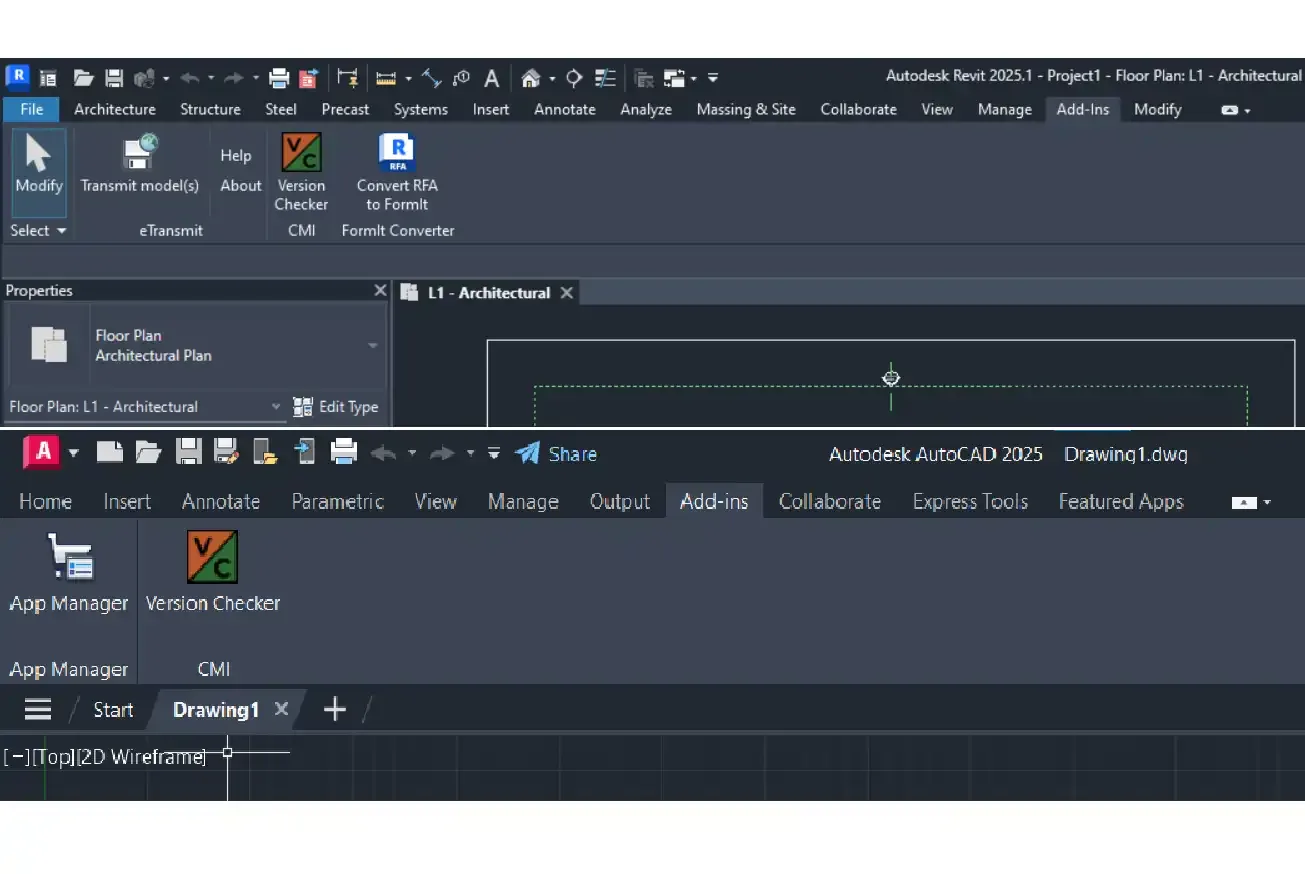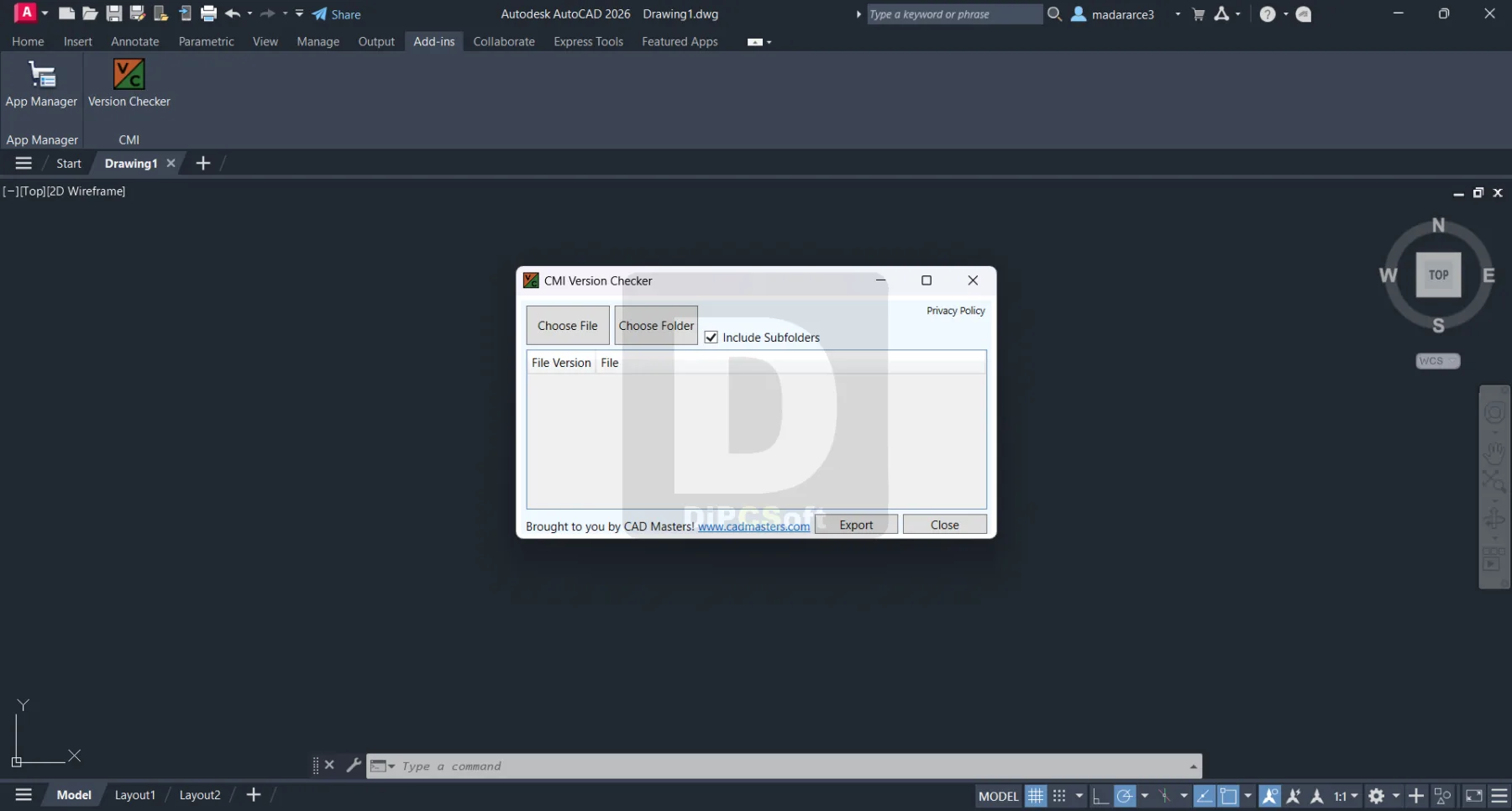
About CMI Version Checker
CMI Version Checker is an essential AutoCAD productivity plugin from CAD Masters, Inc. that instantly identifies the DWG file format version of any drawing file. It eliminates the guesswork and manual inspection required to determine which AutoCAD version last saved a file, preventing compatibility issues in collaborative environments.
Core Features
| Capability | Details |
|---|---|
| Instant version identification | Reports the exact AutoCAD version/year a DWG was saved in |
| Batch scanning | Processes entire folders and subfolders of DWG files in seconds |
| Multi-format support | Checks AutoCAD, Civil 3D, Revit, and other Autodesk vertical product files |
| In-AutoCAD integration | Convenient ribbon panel and command-line access within the application |
| Detailed reporting | Generates version compatibility reports for project archives and libraries |
| Custom rules | Configurable version checking parameters to match office quality standards |
Workflow Benefits
Prevents workflow disruptions caused by incompatible file formats, reduces time spent manually checking DWG compatibility across teams, and ensures all project drawings conform to the required AutoCAD version standard.
Who It's For
- CAD managers auditing DWG file versions in project archives
- Teams receiving drawings from external consultants
- Archivists verifying long-term file compatibility
- Quality-control workflows enforcing version standards
Why Professionals Choose CMI Version Checker
CMI Version Checker answers 'what version saved this DWG?' instantly, across whole folder trees in batch. It prevents the classic failure of sending a 2027-format file to a client on an older release — a two-minute check that saves hours of rework and support calls.
CanalVIP: Organized Access & Support
CanalVIP organizes download links, technical information, and access guidance. Licenses, activations, plugins, and paid resources follow the terms of each vendor or distributor.