Overview
AutoCAD 2027 is Autodesk's flagship computer-aided design software, the industry standard for precision 2D drafting, 3D modeling, and documentation across architecture, engineering, construction, and manufacturing. First released in 1982, AutoCAD remains the most widely used CAD platform globally, trusted by millions of professionals for its unmatched versatility, extensive toolset, and ecosystem of specialized vertical toolsets including Architecture, Mechanical, Electrical, MEP, Plant 3D, Map 3D, and Raster Design.
AutoCAD 2027 introduces groundbreaking collaboration features including Checkout — allowing multiple team members to work on the same DWG simultaneously with conflict resolution — and deeper integration with Autodesk Forma cloud data management. The new Autodesk AI Assistant provides intelligent command suggestions, error detection, and workflow automation. Smart Blocks Detection uses AI to identify and convert repetitive geometry into reusable dynamic blocks. Performance improvements include multi-threaded GPU-accelerated rendering and faster load times for large drawings.
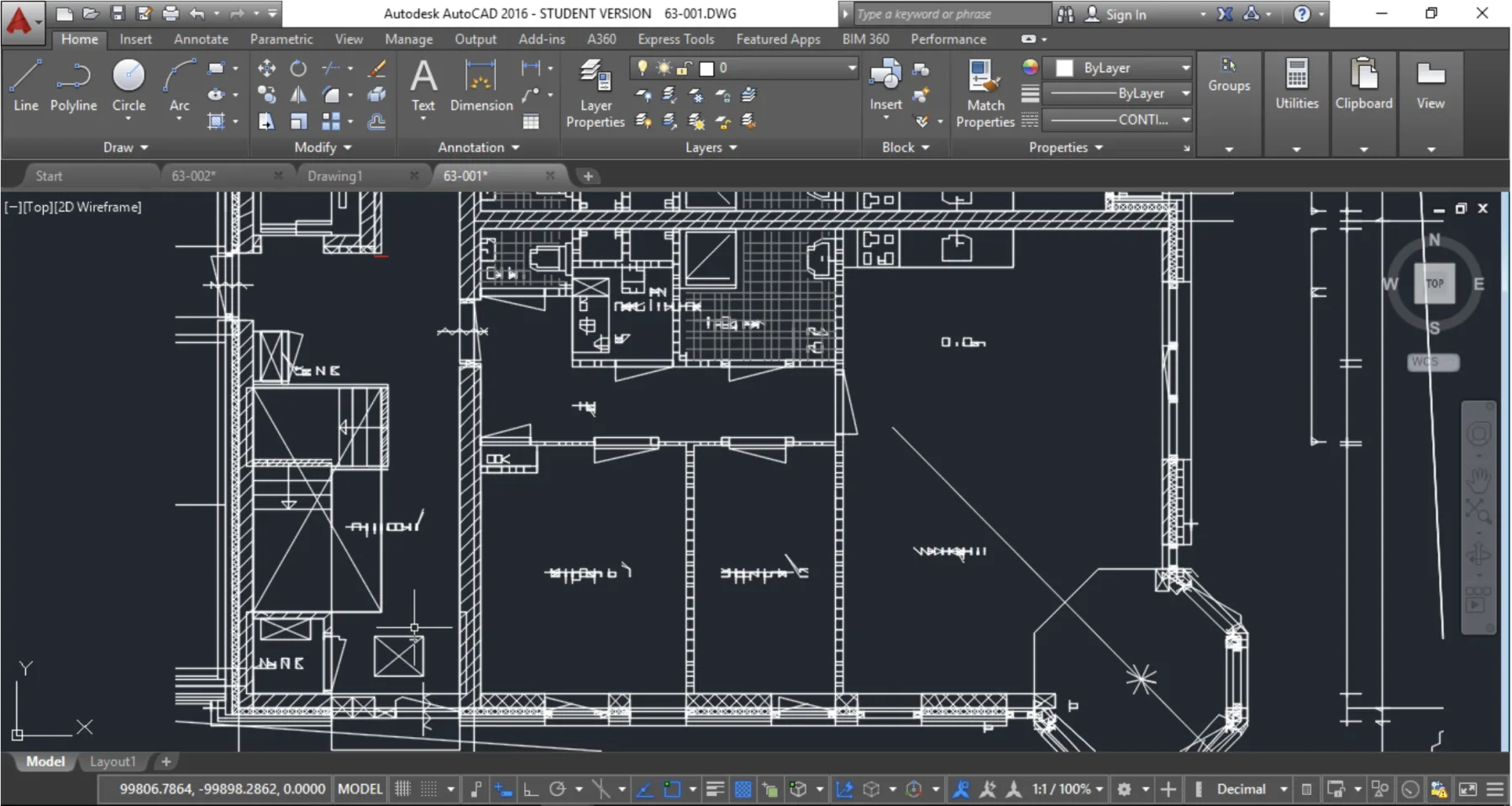
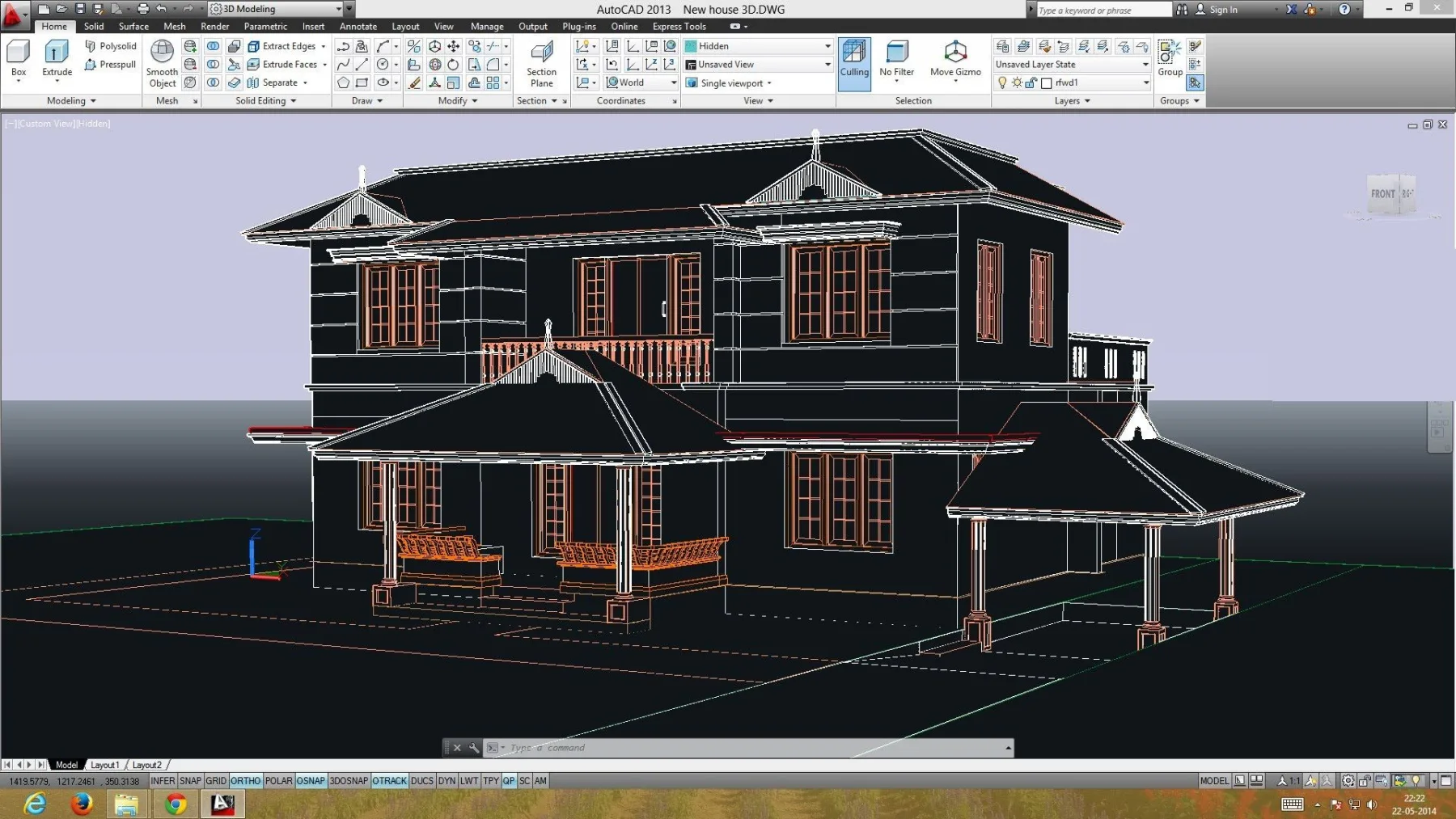
AutoCAD 2027 supports 2D drafting with intelligent snapping, polar tracking, and annotation scaling. 3D capabilities include solid, surface, and mesh modeling with visual styles, lighting, and materials. Cross-platform access via AutoCAD Web and Mobile apps ensures seamless workflow continuity across desktop, browser, and mobile devices.
Key Capabilities
| Capability | Details |
|---|---|
| Precision 2D drafting | Dynamic UCS, polar tracking, and object snapping |
| 3D modeling | Solid, surface, and mesh primitives and editing tools |
| Automated documentation | Annotation scaling, dimensions, and tables |
| Smart Blocks | AI-powered detection and automatic conversion |
| Checkout | Multi-user simultaneous DWG editing with version control |
| Autodesk AI Assistant | Intelligent commands and automation |
| Activity Insights | Real-time project activity tracking |
| Specialized toolsets | Architecture, mechanical, electrical, MEP, and plant design |
| Customization | Via AutoLISP, Visual LISP, VBA, .NET, and ObjectARX |
| Cross-platform access | AutoCAD Web and Mobile apps |
| Industry-standard DWG format | Backward compatibility |
| Cloud collaboration | Autodesk Forma data management |
Who It's For
- Architects, engineers, and drafters who need precision 2D documentation
- Construction and manufacturing professionals working with DWG deliverables
- Students preparing for professional CAD certification
- Teams collaborating on large drawing sets across disciplines
Why Professionals Choose AutoCAD 2027
AutoCAD remains the industry reference for DWG-based documentation: unmatched toolset depth, seven specialized vertical toolsets, and an ecosystem of training, hardware, and third-party applications built over four decades. For professionals, DWG fluency is a career skill — and AutoCAD 2027's AI assistance and multi-user Checkout make the workflow faster than ever.
CanalVIP: Organized Access & Support
CanalVIP organizes download links, technical information, and access guidance. Licenses, activations, plugins, and paid resources follow the terms of each vendor or distributor.