
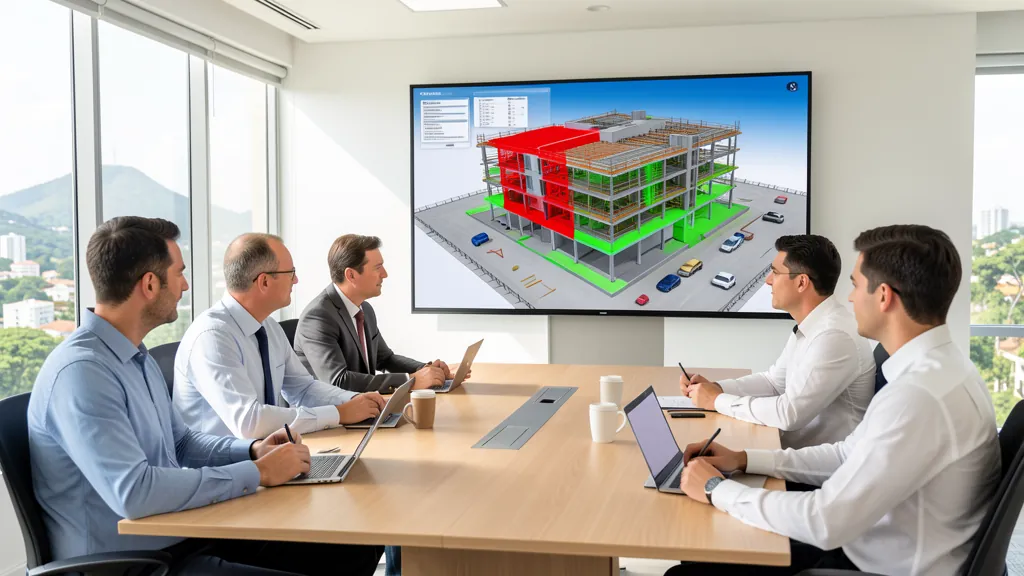
Autodesk Navisworks Manage 2026 hits the market as the latest version of the BIM coordination software most used by construction professionals. With a focus on modernizing the user experience and improving conflict detection flows, this update brings significant improvements for engineers, architects and BIM coordinators who work with large construction projects in Brazil and around the world.
Revamped Interface and Usability
Navisworks 2026 received a visual overhaul in several dialog boxes, forms and icons. The Saved Viewpoints, Properties, Sets and Find Items windows have been modernized with a cleaner and more organized appearance, including search fields for easier navigation. The new Quick Properties option allows you to access properties of selected objects more quickly, with a drop-down menu on the Display tab.
The Property Sets functionality is one of the great new features of this version. You can now filter and create custom sets of properties using the option on the Home tab in the Display panel. The created sets are available in the Properties panel, Quick Properties and Selection Inspector, allowing export as CSV for analysis in external tools.
- Saved Viewpoints: modernized window with integrated search
- Quick Properties: quick access to object properties
- Property Sets: create custom sets of properties
- Pivot Point Lock: locks the pivot point during navigation
- Revamped interface: cleaner and more organized dialog boxes
Improved Clash Detective
The Clash Detective tool, Navisworks' main functionality for BIM coordination, has been significantly improved in this version. The conflict detection system now offers more efficient organization of interference results, advanced filters to identify critical conflicts, and custom reports with expanded export options.
- Efficient organization of interference results
- Advanced filters to identify critical conflicts
- Custom reports with expanded export
- Improved visualization of clashes in the 3D model
- Fluid integration with multidisciplinary coordination flow
These improvements allow project teams to identify interferences between disciplines such as architecture, structure and MEP systems before execution begins. The result is a drastic reduction in rework on site, savings in deadlines and costs, in addition to greater construction quality. The clash detection flow in Navisworks follows consolidated steps: preparation and consolidation of models, creation and configuration of tests, execution and analysis of results, documented conflict resolution and generation of final reports for the team.
Measurement, Export and Appearance Profiler
The Measure Tools panel has been updated and now includes an option to save measurements taken directly on the model. This makes it easier to record distances, angles and areas during project review — information that was previously lost when closing the tool is now available for later consultation by the team.
The Appearance Profiler has been completely redesigned, offering more precise control over the visual appearance of objects in the model. You can apply colors, transparencies and textures more intuitively, improving visual communication during BIM coordination meetings with the technical team.
For export, Navisworks 2026 allows you to save files in NWD format with new options including deleting hidden items to reduce the size of shared files. The default file format is now 2026, ensuring compatibility with the latest version of the Autodesk ecosystem.
How to Get Navisworks Manage 2026
Autodesk Navisworks Manage 2026 is available to AEC Collection subscribers and as a standalone license. Brazilian professionals can access the CanalVIP catalog to check licensing options and obtain the clash detection tool for your BIM projects.