
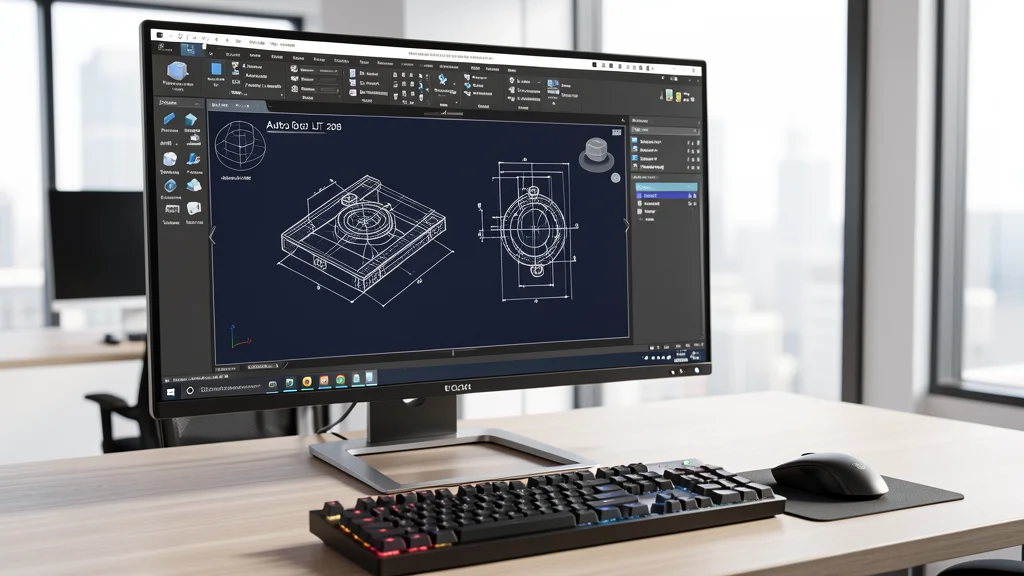
AutoCAD LT 2027 arrived with significant improvements in performance and features, but requires attention to system requirements to run smoothly. Whether you are a civil engineer, architect or designer, understanding ideal hardware specifications makes a difference in daily productivity. In this guide, we show the minimum and recommended settings for AutoCAD LT 2027, as well as practical tips for optimizing performance on different machines.
AutoCAD LT 2027 System Requirements for Windows
AutoCAD LT 2027 maintains compatibility with Windows 11 64-bit and increases hardware requirements compared to the previous version. The minimum RAM memory has risen to 16 GB, with 32 GB being recommended for more complex projects. The ideal processor is a 3 GHz model or higher, with a turbo clock above 4 GHz for plotting and drawing regeneration operations.
- Processor: Minimum 2.5 GHz with 8 logical cores; recommended 3+ GHz base with 4+ GHz turbo
- RAM memory: Minimum 16 GB; recommended 32 GB for large files
- Video card: Minimum 2 GB VRAM with DirectX 11; recommended 8 GB VRAM with DirectX 12
- Storage: 10 GB SSD (required for good performance)
- Screen Resolution: Minimum 1920 x 1080; native 4K support
- Operating system: Windows 11 64-bit (latest version)
For those working with large sets of plans or files with multiple external references, investing in 32 GB of RAM and a GPU with 8 GB of VRAM eliminates performance bottlenecks in pan and zoom operations.
AutoCAD LT 2027 on Mac: Requirements and What's New
The macOS version also received important updates. AutoCAD LT 2027 for Mac now exclusively uses Apple Metal as its graphics engine, replacing OpenGL for good. This results in faster 3D navigation and better power efficiency on Macs with an Apple Silicon chip.
- Operating system: macOS Sonoma 14, Sequoia 15 or Tahoe 26
- Processor: Intel 64-bit or Apple M-series
- RAM memory: Minimum 8 GB; recommended 16GB or more
- Storage: 8 GB of free space
- Resolution: Retina Display Support (2880 x 1800)
Mac users with an M1, M2, M3 or M4 chip will benefit from the transition to Metal, with noticeable gains in viewport rendering and smooth pan zooming.
How to Optimize Performance in AutoCAD LT 2027
Even without state-of-the-art hardware, some settings can significantly improve the experience with AutoCAD LT 2027. Simple adjustments to the operating system and the software itself prevent slowdowns and crashes.
- Use SSD, not HD: AutoCAD LT 2027 relies heavily on reading and writing DWG files. An NVMe SSD reduces opening and saving times by up to 70% compared to a traditional HD.
- Adjust performance variables: Commands such as VTENABLE, SELECTIONPREVIEW and WHIPTHREAD can be configured to prioritize performance on machines with fewer resources.
- Keep drivers updated: Outdated graphics card drivers are the most common cause of unexpected slowdowns in AutoCAD. Use the latest versions from the manufacturer.
- Clean temporary files: Accumulating .ac$, .bak files, and audit logs can take up space and reduce performance.
- Disable Windows Visual Effects: Transparencies and animations consume GPU resources. Disabling them frees up processing for AutoCAD.
Is it Worth Upgrading to AutoCAD LT 2027?
If you work in 2D technical drawing, AutoCAD LT 2027 offers real productivity gains. The new Checkout feature allows multiple users to edit the same DWG simultaneously, while Autodesk Assistant brings contextual support with artificial intelligence. Integration with Forma Data Management Essentials makes project sharing more secure and organized. For those still using previous versions, upgrading is recommended, especially if your current hardware meets the recommended requirements.
Do you need AutoCAD LT 2027 or other Autodesk software? Check out the options available on CanalVIP catalog with assisted installation and specialized technical support.