
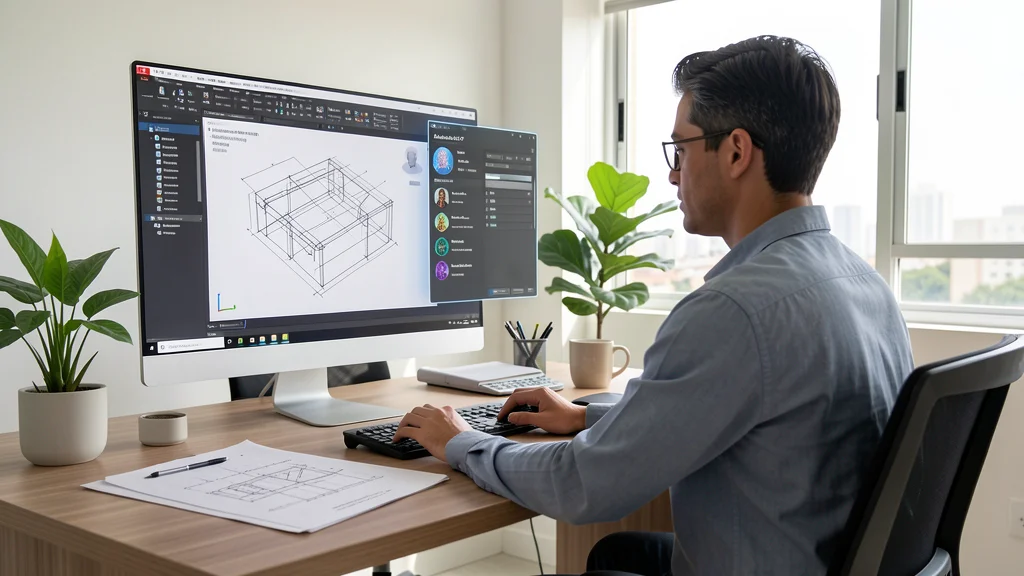
THE AutoCAD LT 2027 is now available, and Autodesk has delivered the biggest update to its 2D CAD software in years. For the first time, artificial intelligence, cloud collaboration and drawing automation come natively to AutoCAD LT — the most accessible version for Brazilian architects, engineers and designers who work with 2D technical drawing.
Launched in March 2026, AutoCAD LT 2027 incorporates technologies that were previously exclusive to AutoCAD full, including AI assistant, intelligent geometric correction tools and direct integration with Forma Data Management.
Autodesk Assistant and Smart Geometry Cleanup
The highlight of AutoCAD LT 2027 is Autodesk Assistant, an AI assistant that understands natural language commands within the drawing interface. You may ask "how many red lines are there in this drawing?" or "select objects with incorrect thickness" and the wizard performs the action instantly, without plugins or external connection.
- Natural language commands: query and modify objects without memorizing dozens of keyboard shortcuts
- Pattern Check: the assistant checks whether the design follows your company's technical standards
- Geometry Cleanup: sweeps the drawing and corrects gaps, overshoots and misalignments with one click
- Smart Blocks: identifies repetitive patterns and converts into parametric smart blocks
The Geometry Cleanup tool deserves special attention. It analyzes the entire drawing, identifies common problems — lines that don't meet, overshot segments, misaligned objects — and offers one-click corrections. For offices that receive DWG from multiple vendors, this feature saves hours of rework per week.
Real-Time Collaboration with Forma Data Management
AutoCAD LT 2027 includes Forma Data Management Essentials in the subscription. Each user gets a cloud repository to organize, share, and manage DWGs with the team, regardless of location. The Checkout feature allows you to edit specific objects in a file that someone else is already using, eliminating versioning conflicts.
- Checkout: edit parts of a DWG even with another user using the file, without conflicts
- Connected References: detects broken Xrefs and suggests fixes without losing the original link
- Connected Support Files: share CUIx palettes and interfaces with the team for standardization
- Push to Forma: Publish designs directly from AutoCAD to the cloud with one click
For offices with hybrid or remote teams — a growing reality in Brazil — this integration eliminates the back and forth of files via email or WhatsApp. Connected References is particularly useful in multidisciplinary projects where references change location frequently.
Performance and Improvements in Daily Life
AutoCAD LT 2027 brought performance improvements that impact productivity. Switching between layouts is faster — a huge gain for projects with multiple sheets. The 3D graphics system has been updated with a new rendering engine, offering more stability and visual quality in materials, lighting and textures.
- Accelerated layout switching: faster switching between tabs in projects with dozens of sheets
- Improved 3D graphics system: more stability and visual quality with realistic textures and lighting
- Realistic (Fast) as default: Realistic visual style enabled by default for better initial experience
- Removed legacy features: MrSID and PSOUT support discontinued — migration to Forma cloud
Autodesk has removed legacy functionality such as MrSID support and PostScript export, directing users to modern alternatives in Forma Data Management. For most Brazilian professionals, these changes do not affect their daily workflow.
Is it Worth Upgrading to AutoCAD LT 2027?
Yes — especially if you work in a team, receive files from third parties or want to reduce repetitive tasks. AI-powered Autodesk Assistant and Geometry Cleanup make the upgrade worthwhile for those dealing with large volumes of DWGs. Integration with Forma eliminates versioning problems that hold up projects in offices of all sizes. Check out the options on CanalVIP catalog and find out which version suits your office.