
AutoCAD in 2025: why is it still worth learning for civil engineering?
The debate over the future of AutoCAD remains alive because the engineering and architecture market has changed a great deal in recent years. Today, BIM, automation, cloud collaboration, and artificial intelligence have gained ground in the daily routine of design firms. Even so, AutoCAD remains a central tool for anyone who needs to turn an idea into a technical drawing quickly, precisely, and compatibly. The question, therefore, is not whether AutoCAD has died. The real question is: in which stages does it still make a difference, and why does it remain so valuable in 2025?
The Engenharia 360 article that inspired this analysis shows exactly that: learning AutoCAD is still a strategic skill for students, interns, and civil engineering professionals. The reason is simple. Before thinking about complex models, multidisciplinary coordination, and BIM deliverables, almost every project needs a clear, well-organized technical drawing that's quick to edit. This is where AutoCAD remains strong, especially when a project requires fine detailing, objective documentation, and compatibility with the enormous number of files already in the market.

For many people, AutoCAD's value lies precisely in its friendly learning curve. The software helps professionals build technical drawing fundamentals that remain useful even when they move on to Revit, Civil 3D, Navisworks, or more robust BIM platforms. Anyone who masters layers, dimensions, blocks, scales, external references, and plotting standards gains the foundation to work with any other design tool. That's why learning AutoCAD isn't “staying stuck in the past”; it's building a strong technical foundation to accelerate professional growth.
1. Why is AutoCAD still so important in civil engineering?
The main reason is precision. In construction and design, small differences of just millimeters can turn into major problems during execution. AutoCAD remains excellent for producing well-tied-together 2D drawings, reviewing assembly details, standardizing sheets, and documenting what will be built in the field. In many firms, the software also serves as a common language among engineers, architects, designers, estimators, and clients. Even those who work with BIM tend to use AutoCAD in specific parts of the process, especially when they need to edit, review, or share information in widely accepted formats.
Another strong point is compatibility. For decades, a huge volume of DWG and DXF files has circulated among companies, suppliers, and public agencies. This means that knowing how to operate AutoCAD still opens doors to handling old technical archives, already-approved plans, construction documents, and client files that weren't created in BIM environments. In other words, AutoCAD remains the transition language between generations of projects.
- A solid technical drawing foundation for beginners and professionals.
- Compatibility with legacy files used in the market.
- Precision for 2D detailing, sections, elevations, and sheets.
- Ease of communication with teams and suppliers.
- Integration with modern review and collaboration workflows.

2. AutoCAD and BIM: competitors or complementary?
This is one of the most common questions among students and professionals. In practice, AutoCAD and BIM don't have to be treated as enemies. BIM brings a broader approach, based on information, coordination, and intelligent modeling. AutoCAD, meanwhile, continues to shine when the focus is on 2D documentation, quick adjustments, detailing, and universal compatibility. In many real-world projects, the two coexist side by side.
A simple way to understand this relationship is to think of AutoCAD as a precision tool for graphical communication, while BIM acts as an environment for managing project information throughout the building's life cycle. In renovations, clash resolution, executive detailing, and quick corrections, AutoCAD can be the more practical solution. In large projects with multiple disciplines, BIM has the edge in overall coordination. Knowing how to use both broadens a professional's repertoire and avoids dependence on a single methodology.
Aspect AutoCAD BIM Main focus 2D technical drawing and detailing Intelligent model with integrated information Adjustment speed Very high for simple revisions High for coordinated projects, but with more structure Compatibility Widely accepted in the market Depends on the ecosystem and adopted standards Best use Plans, sections, details, revisions Clash resolution, quantity takeoff, coordinationInstead of choosing one side, the most competitive professional learns to combine the two approaches. This is especially true in civil engineering, where the deliverable must be clear for the client, feasible for construction, and consistent for the budget. The result is a more realistic and more productive workflow.
3. What does AutoCAD 2025 add to the design routine?
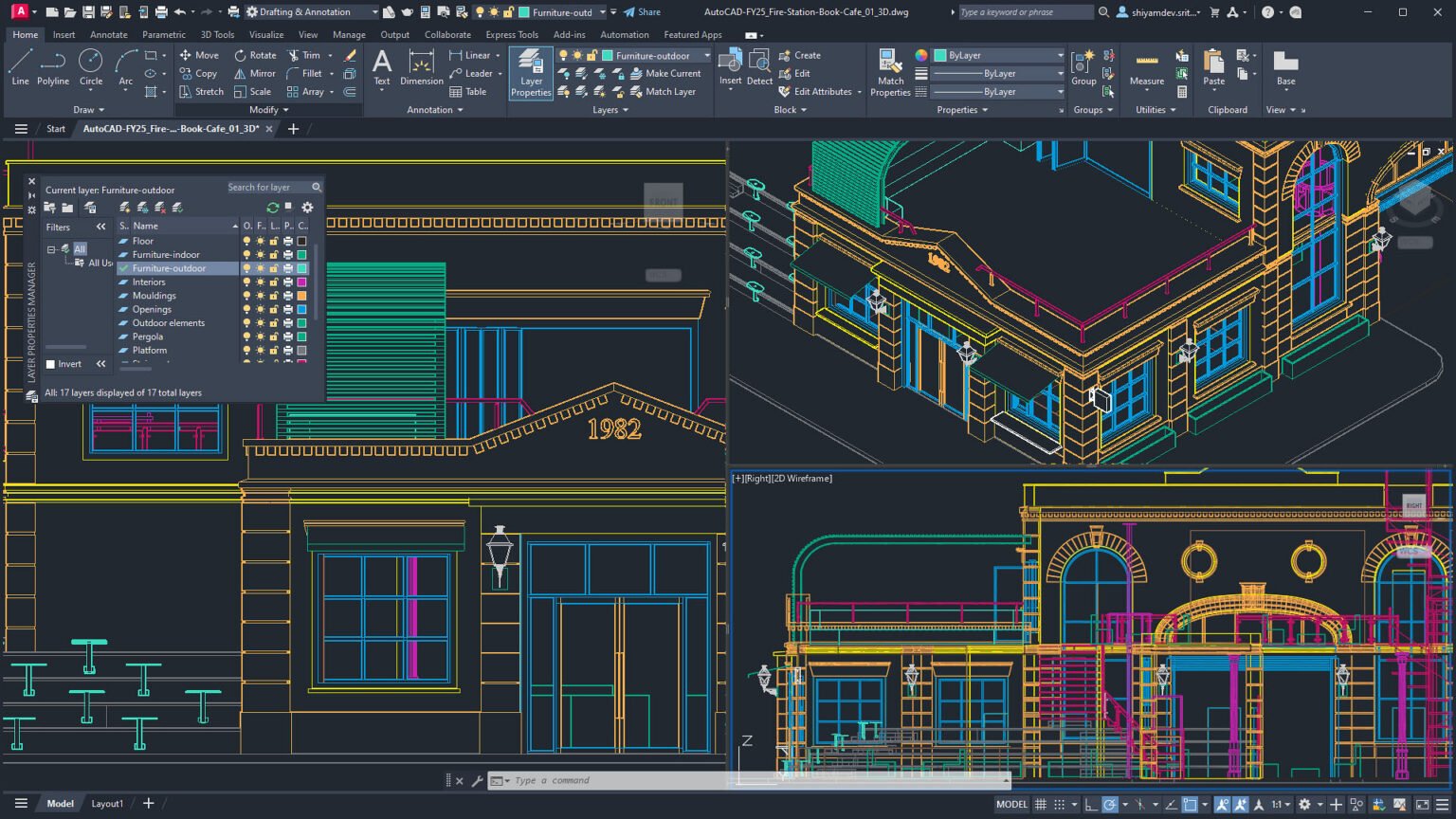
Even as an established tool, AutoCAD hasn't stood still. The 2025 edition brought performance improvements, AI-based features, and automations that help save time on repetitive tasks. For anyone who opens large files, works with multiple references, and needs to navigate between several sheets, any speed gain makes a difference. In a firm with dozens of simultaneous projects, seconds saved on each task turn into hours saved by the end of the month.
Beyond performance, integration with the Autodesk ecosystem has become more important. AutoCAD Web and AutoCAD Mobile allow you to consult, edit, and share drawings in more flexible scenarios. This helps teams that work partly from home, on site visits, or in environments where access to the main office computer isn't always available. In an increasingly connected market, mobility has gone from being a differentiator to a basic productivity requirement.
4. How to learn AutoCAD efficiently in 2025
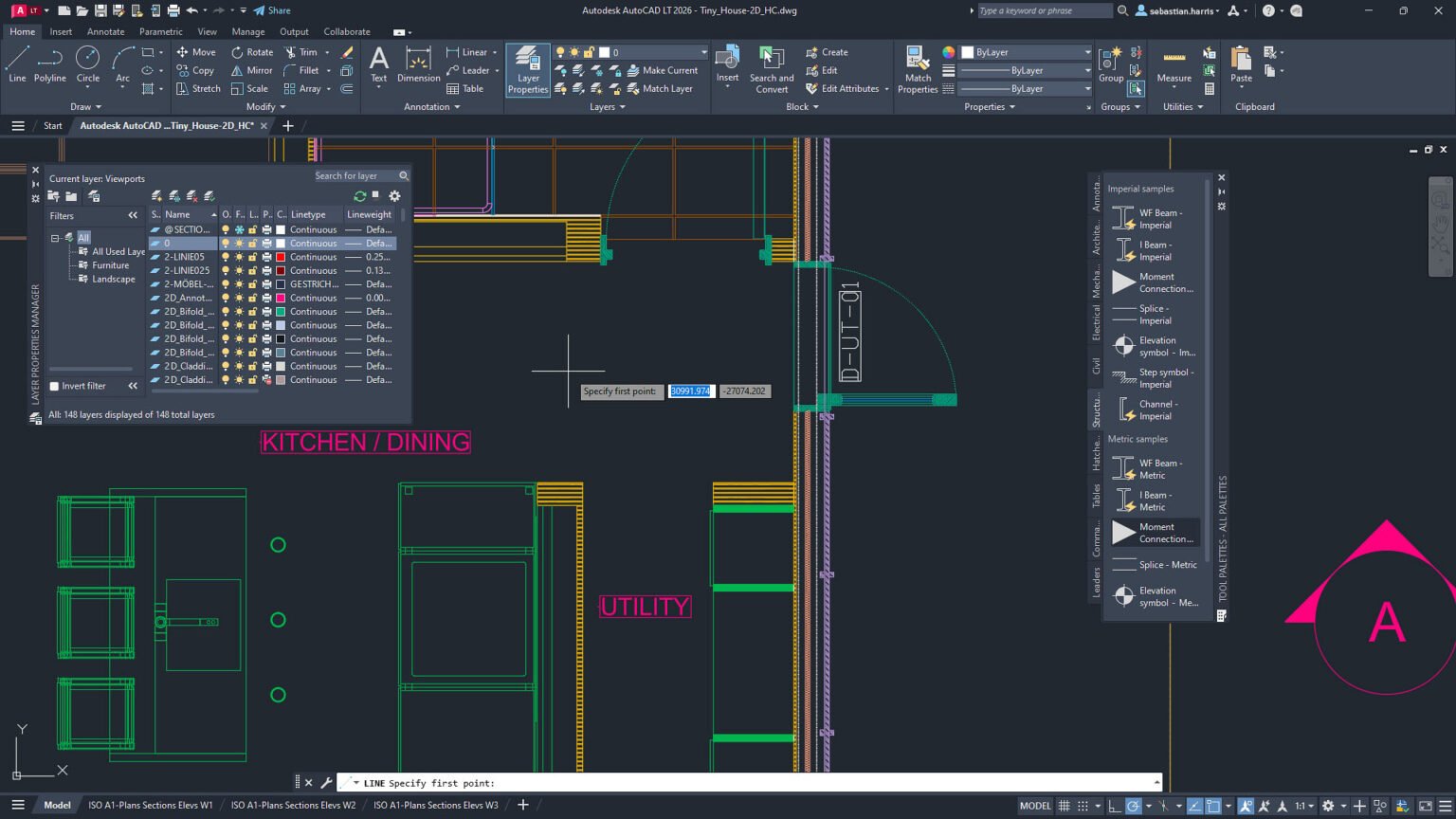
Learning AutoCAD doesn't mean memorizing random commands. The best path is to follow a logical, practical sequence. First, understand the interface, the basic shortcuts, the coordinate system, and the logic of layers. Then, master blocks, dimensions, hatches, plot scales, and template creation. Next, move on to external references, file standardization, and sheet organization. Once the foundation is solid, learning more advanced features becomes much faster.
It also helps a great deal to practice with real problems. Instead of training only with generic exercises, try recreating a floor plan, a structural detail, or a simple infrastructure scheme. The idea is to build a technical repertoire and gain speed. Those who learn AutoCAD by looking at real projects manage to turn knowledge into productivity, and productivity into market value. It's this reasoning that keeps the tool present in internship postings, engineering job openings, and hiring processes at design firms.
5. When AutoCAD isn't enough on its own
Despite its relevance, AutoCAD doesn't solve everything. Projects with a high degree of coordination, many clashes, and a need for information control generally call for additional tools. That's where BIM, collaborative platforms, calculation software, and document managers come into play. The smart professional doesn't try to do all the work in a single program. They choose the right tool for each stage and organize the workflow clearly.
In practice, the best scenario is one in which AutoCAD handles the precision and documentation work, while BIM organizes the model and the project's information. This combination reduces rework, improves communication between teams, and raises the quality of deliverables. For those just starting out, understanding this logic already helps build a more efficient study plan and a stronger professional path.
Conclusion
In 2025, learning AutoCAD is still well worth it — especially for those who work, or intend to work, in civil engineering. The software remains relevant for its precision, its compatibility with the market, and its ability to turn ideas into clear technical documentation. The new features in the 2025 version show that it also keeps pace with the sector's changes, with automation, AI, and integration with mobile devices. In other words: it's not an old tool surviving out of nostalgia, but a still-useful piece within a modern design ecosystem.
If your goal is to grow in the technical field, mastering AutoCAD remains a smart investment. And, even better, when you combine that foundation with BIM, structural analysis, clash resolution, and critical project reading, your profile becomes much stronger for the market. The final message is simple: the future of engineering doesn't require abandoning AutoCAD; it requires using it intelligently within a broader workflow.