
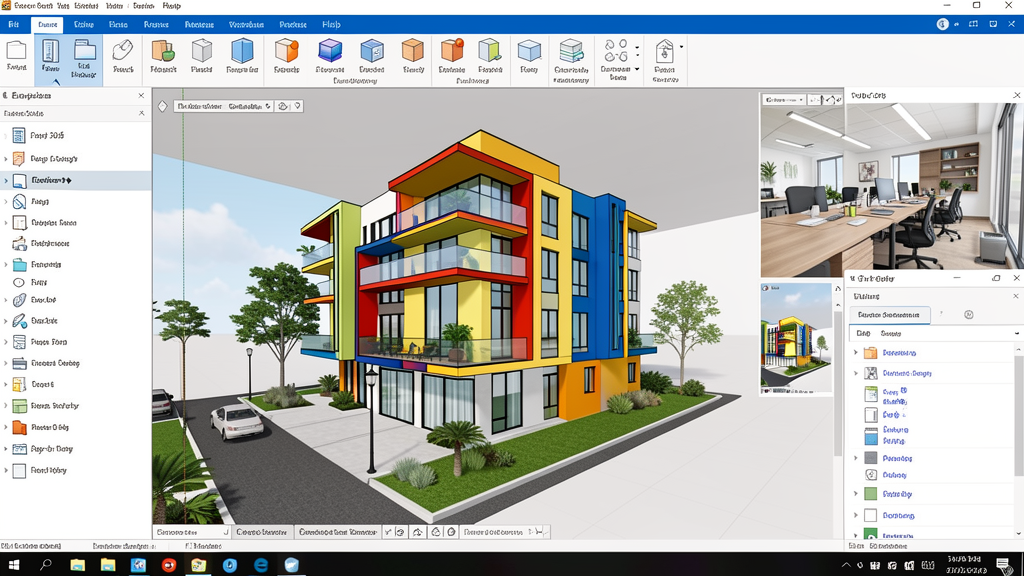
SketchUp 2026: What's New, Download and Complete Guide
Everything about the new version of the world's most widely used 3D modeling software · 06/03/2026 · 7 MIN READ · CANAL VIP
What's new in SketchUp 2026
SketchUp 2026 has arrived with significant updates that reinforce its position as the most accessible and versatile 3D modeling software for Brazilian architects, designers and engineers. The new version brings improvements in collaboration, visualization and interoperability that respond directly to the demands of today's market.
Developed by Trimble, SketchUp 2026 keeps the philosophy that made it famous: ease of use with surprising power. But it now delivers advanced features that previously required plugins or complementary software.
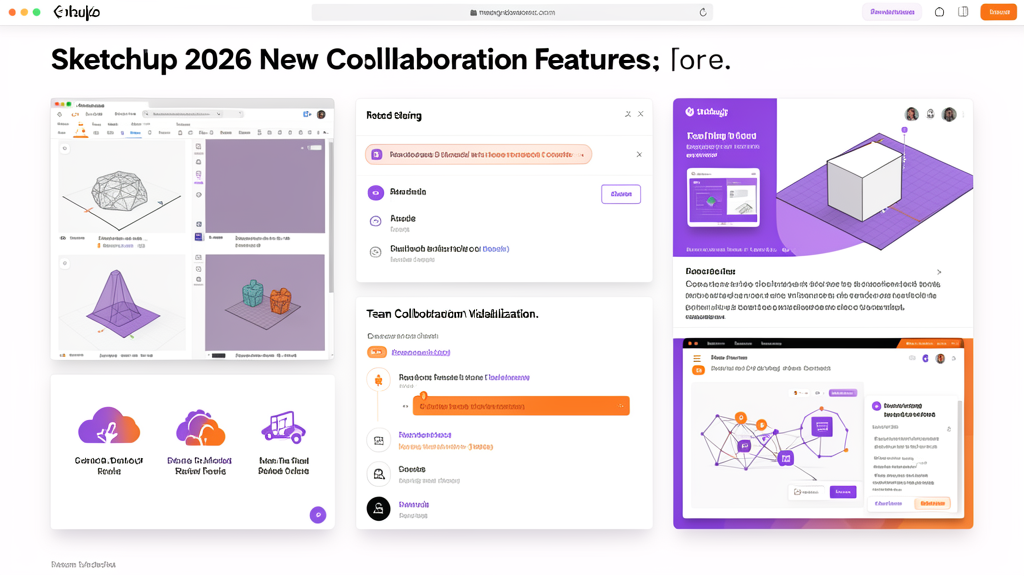
Key new features in SketchUp 2026
- Real-time collaboration — A new sharing system with private invitations and access links. Team members can view, edit and comment directly on the model without leaving SketchUp.
- Enhanced 3D visualization — An optimized rendering engine with more realistic global illumination, accurate shadows and native PBR materials. The visual quality within SketchUp now approaches that of final renders.
- Expanded interoperability — Improved export and import for IFC 4.3, DWG/DXF 2026, and BIM formats. Smoother integration with Revit, ArchiCAD and AutoCAD for multidisciplinary workflows.
- Performance on heavy models — Graphics optimization that maintains fluidity even in complex projects with millions of faces, essential for large residential and commercial developments.
- Enhanced SketchUp for Web — The web version received the main modeling tools from the desktop version, allowing you to work from any device with a browser.
- LayOut 2026 extension — Technical documentation with automatic dimensioning, linked sections and high-resolution export, competing directly with AutoCAD for 2D documentation.
Benefits for Brazilian professionals
- Minimal learning curve: SketchUp is the easiest 3D software to learn. Within a few hours, professionals with CAD experience are already producing complex models — ideal for teams transitioning from 2D to 3D.
- Active community in Brazil: Thousands of free extensions, ready-made components and tutorials in Portuguese. The SketchUp Brasil forum is one of the most active in the global community.
- Affordable price: The SketchUp Pro subscription is significantly cheaper than Revit or AutoCAD. For smaller firms, the return on investment is fast.
- Compatible with BIM requirements: IFC 4.3 export meets the requirements of Law 14.133/2021 for public infrastructure projects, making SketchUp viable for government tenders.
How to download SketchUp 2026
The SketchUp 2026 download is available on the official Trimble website. There are three versions: SketchUp Free (web, no cost), SketchUp Go (web + iPad, affordable subscription) and SketchUp Pro (full desktop with LayOut). The Pro free trial lasts 30 days.
⬇ Download 3D software on CanalVIPSketchUp 2026 vs previous versions
Compared to SketchUp 2025, the 2026 version offers up to 40% more speed when navigating complex models, native collaboration (which previously relied on Trimble Connect separately), and visualization with near-render quality. For those already using SketchUp 2025, the upgrade is justified by team productivity and presentation quality.
Frequently asked questions
Is SketchUp 2026 free?
SketchUp Free (the web version) remains free, but with limited features. SketchUp Pro, with full desktop modeling and LayOut, requires a subscription. There is a 30-day free trial.
Does SketchUp 2026 work as BIM software?
SketchUp is not native BIM like Revit or ArchiCAD, but with IFC 4.3 export and extensions such as Skalp, it can be integrated into BIM workflows. For projects that require complete information modeling, Revit or ArchiCAD are more suitable.
What are the system requirements?
Windows 10/11 64-bit, 2+ GHz processor, 8 GB RAM (16 GB recommended), graphics card with OpenGL 4.1 support. Modest requirements compared to Revit or Lumion.
Conclusion
SketchUp 2026 reinforces its position as the ideal gateway to 3D modeling in the Brazilian market. With native collaboration, enhanced visualization, IFC interoperability and an affordable price, it is the smart choice for architecture and engineering firms looking for productivity without complexity. Download the trial and discover why more than 30 million professionals use SketchUp worldwide.
⬇ Explore the CanalVIP catalogSee also: Check out the entire CanalVIP software catalog · More articles on the blog