About WJK CAD Solutions Curly Bracket
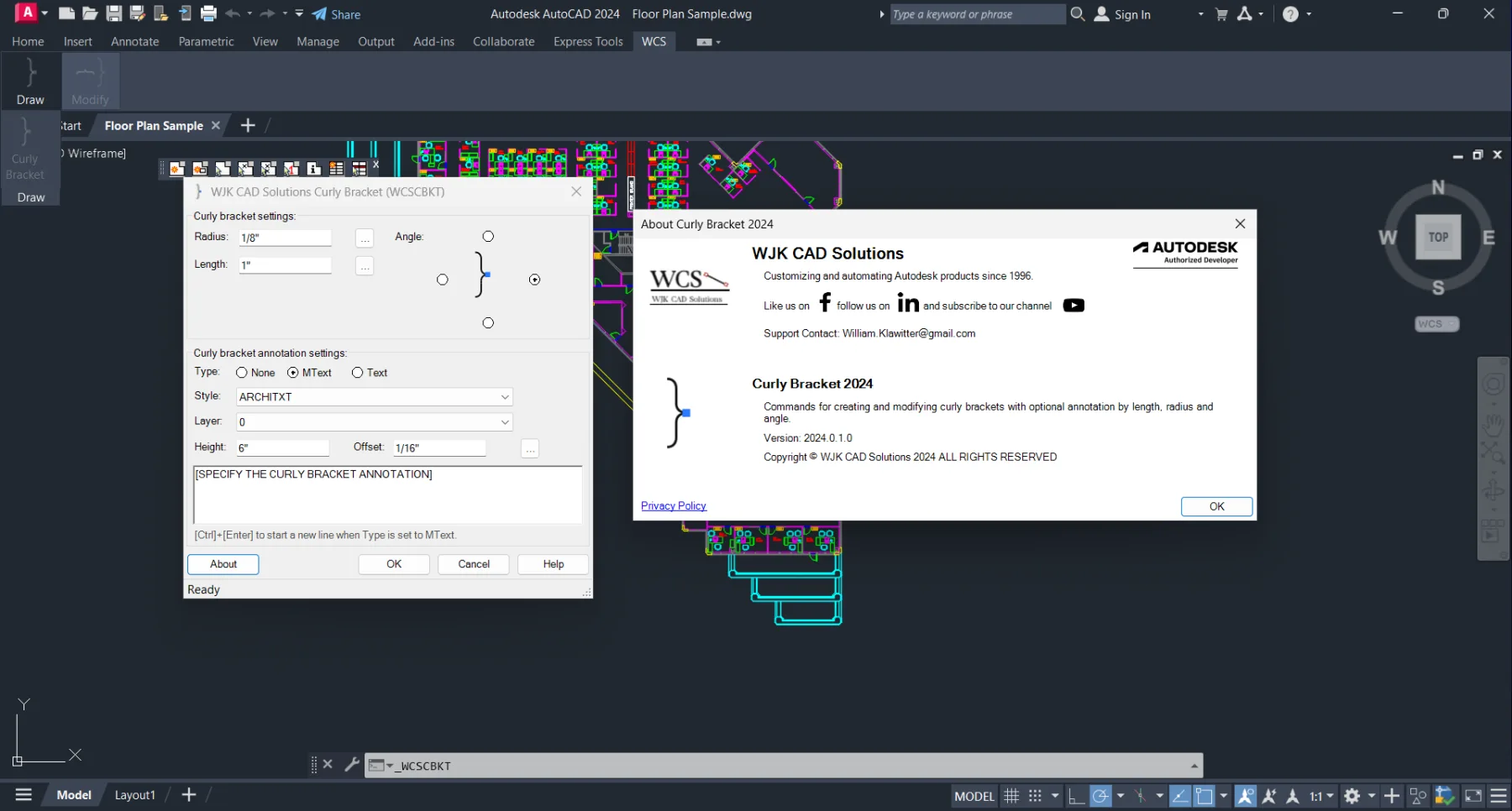
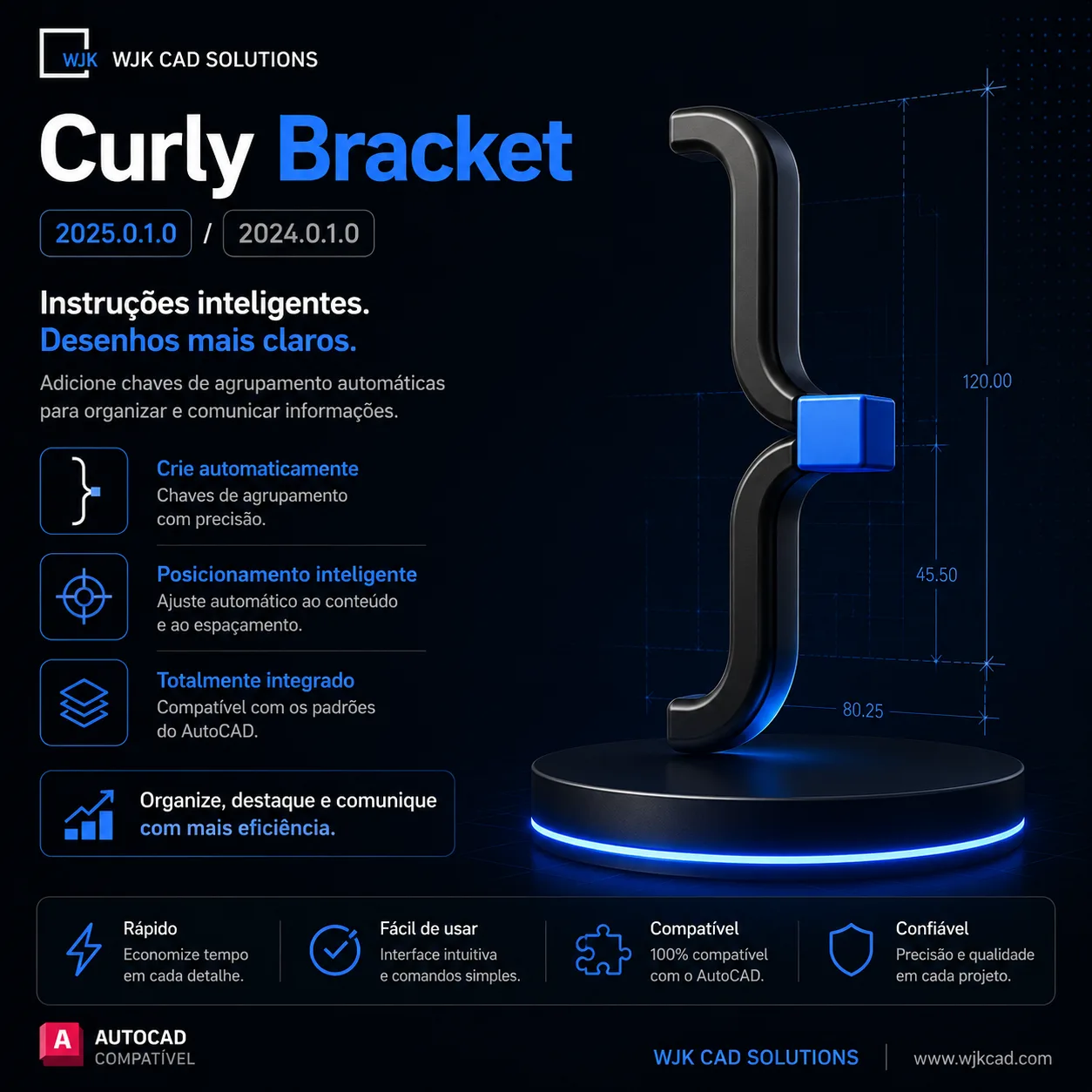
Curly Bracket by WJK CAD Solutions is a specialized AutoCAD plugin that automates the creation of professional curly bracket annotations (also known as brace annotations) in technical drawings. It eliminates the tedious manual process of drawing and dimensioning curly brackets for indicating spans, clearances, and grouped elements in architectural, structural, and mechanical documentation.
Key Capabilities
| Capability | Details |
|---|---|
| Automated bracket creation | Via WCSCBKT command with length, radius, and angle parameters |
| Annotation options | None, Length, Radius, Angle, or custom text with flexible positioning |
| Style customization | Line weight, color, layer, bracket shape (round/square), and orientation |
| Dynamic behavior | Brackets update automatically when associated geometry changes |
| Multi-line support | Create stacked or nested brackets for complex dimensioning |
| Batch placement | Apply consistent brackets across multiple views and sheets |
Compatibility
Works with AutoCAD 2019-2027, AutoCAD Architecture, AutoCAD Electrical, AutoCAD Mechanical, AutoCAD MEP, and AutoCAD Plant 3D.
Who It's For
- Draughtsmen annotating spans and clearances in technical drawings
- Architectural and structural documentation teams
- Mechanical detailers needing consistent bracket annotations
- AutoCAD CAD managers standardizing annotation styles
Why Professionals Choose Curly Bracket
Curly Bracket automates a task that otherwise takes minutes of fiddly polyline work per annotation: parametric braces with length, radius, and angle that update when geometry changes. Batch placement keeps annotation consistent across every view and sheet in the project.
CanalVIP: Organized Access & Support
CanalVIP organizes download links, technical information, and access guidance. Licenses, activations, plugins, and paid resources follow the terms of each vendor or distributor.