Ir para o conteúdo
Voltar ao catalogo
GstarCAD2026EN V26.3
GstarCAD

GstarCAD2026EN V26.3

GstarCAD 2026 is a DWG-native CAD platform with 2D/3D modeling, parametric constraints, and perpetual licensing.

26.3 Available Listing verificado
Acessar link

Sinais de confianca

Link Revisado
Dados Conferidos
Página SSL

Use apenas fontes confiaveis e confira a origem antes de instalar qualquer arquivo. Disponibilidade pode variar.

Sobre o software

Overview

GstarCAD 2026 (V26.3) is a professional 2D/3D CAD software with native DWG/DXF compatibility, developed as a robust alternative to AutoCAD for architecture, engineering, construction, and manufacturing offices. With over 20 years of continuous development, GstarCAD 2026 focuses on performance (faster file opening/startup), stability, and automation — maintaining interface, commands, shortcuts, and workflows familiar to AutoCAD users.

Version 2026 highlights include: DWG Compare with snapshot (visual revision comparison with selective commit), Drawing Merge via Xref (external reference consolidation), enhanced PDF import (vector + raster), expanded parametric constraints (geometric and dimensional with user variables and expressions), customizable tool palettes via .XTP import, advanced batch plotting, data extraction to tables/Excel, and BIM integration with ARCHLine.XP (bidirectional DWG/IFC exchange). Flexible perpetual licensing (standalone, network, offline) without mandatory subscription.

Core Capabilities

CapabilityDetails
Native DWG/DXFRead/write R14 through 2024 — open AutoCAD files without conversion
DWG CompareVisual side-by-side comparison, import objects from compared drawing, commit to new snapshot
Drawing MergeConsolidate external references into single drawing with layer/block control
Parametric ConstraintsGeometric (parallel, perpendicular, tangent, concentric) + dimensional (linear, angular, radial, diameter) + user variables + expressions
PDF ImportEnhanced vector (lines, arcs, text, hatches) + raster (images) with layer recognition
Batch PlotMultiple layouts/drawings, per-page settings, PDF/DWF/plotter output
Data ExtractionBlock attributes, object properties → drawing tables or CSV/Excel export
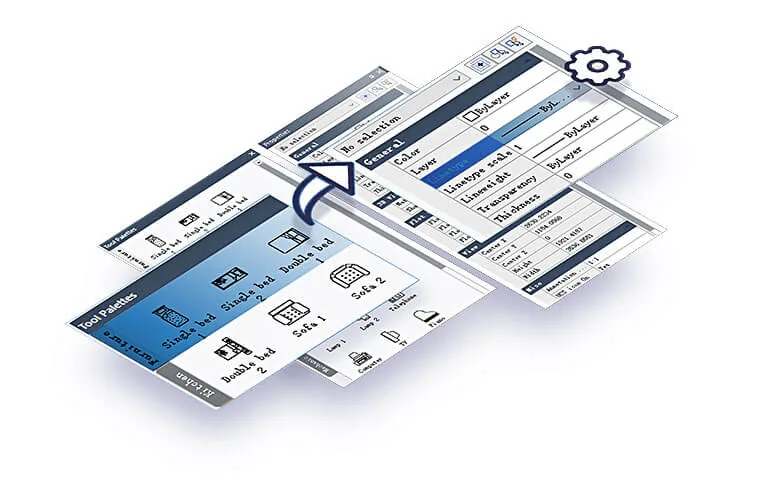
Tool PalettesCustomizable via .XTP (AutoCAD), blocks, commands, hatches, texts, separators
3D ModelingSolids, surfaces, meshes, realistic visualization, basic render, 3D sections, named views
BIM IntegrationARCHLine.XP add-on for bidirectional DWG/IFC exchange, CAD→BIM workflow
AnimationWalk-through, fly-around, video export

Why Professionals Choose GstarCAD

Transparent AutoCAD migration: same commands (LINE, PLINE, LAYER, XREF, etc.), shortcuts, aliases, menus. Lower total cost: perpetual license without annual subscription — clear ROI for SMEs and large teams. Superior performance on large files: opens, regenerates, and saves faster than direct competitors. Deep automation: LISP/VBA/.NET/GRX/Python expose full API for macros, custom apps, ERP/PDM integration. File compatibility: native DWG ensures zero-friction exchange with clients, partners, government agencies. Portuguese technical support (Brazil) via local distributors — SLA, training, customization. Proven stability: 20+ years development, mature codebase, fewer crashes in production. Lightweight: ~1-2 GB install, modest hardware requirements, runs well on standard corporate laptops.

CanalVIP: Organized Access & Support

CanalVIP organizes download links, technical information, and access guidance. Licenses, activations, plugins, and paid resources follow the terms of each vendor or distributor.
Principais recursos

  • 01 Native DWG/DXF compatibility (read/write R14 to 2024) — opens AutoCAD files without conversion
  • 02 DWG Compare with snapshot: visual side-by-side comparison, import objects from compared drawing, commit to new snapshot
  • 03 Drawing Merge via Xref: merge external references into single drawing with layer/block control
  • 04 Parametric constraints (Phase 2): geometric (parallel, perpendicular, tangent, concentric) + dimensional (linear, angular, radial, diameter) + user variables + expressions
  • 05 Enhanced PDF import: vector (lines, arcs, text, hatches) + raster (images) with layer recognition
  • 06 Batch Plot: multiple layouts/drawings, per-page settings, PDF/DWF/plotter output
  • 07 Data Extraction: block attributes, object properties → tables in drawing or CSV/Excel export
  • 08 Customizable Tool Palettes: import .XTP (AutoCAD), blocks, commands, hatches, texts, separators
  • 09 Flexible licensing: standalone (single machine), network floating (network), offline (no internet) — perpetual
  • 10 Performance: large file opening 30-50% faster, optimized regeneration, multi-thread in selected operations
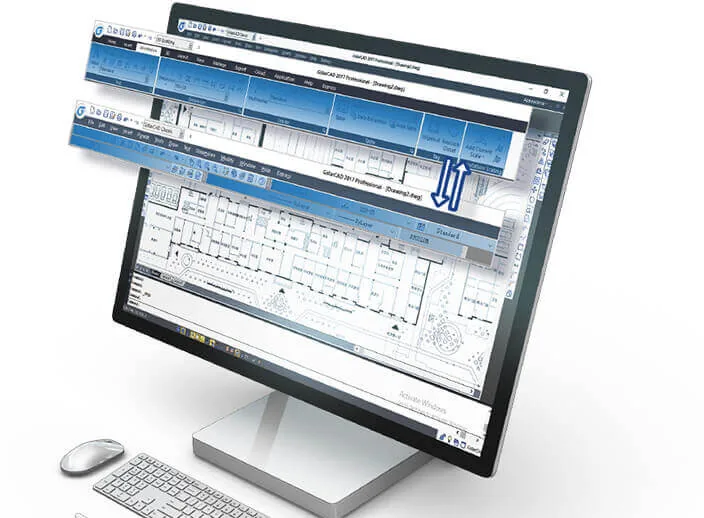
  • 11 Interface: Ribbon, Classic, Dark/Light themes, high DPI, draggable drawing tabs, resizable command line
  • 12 Three-D Solid Modeling: solid modeling, surfaces, meshes, realistic visualization, basic render, 3D sections, named views
  • 13 BIM Integration: ARCHLine.XP add-on for bidirectional DWG/IFC exchange, CAD→BIM workflow without rework
  • 14 Animation: walk-through, fly-around, video export

Beneficios

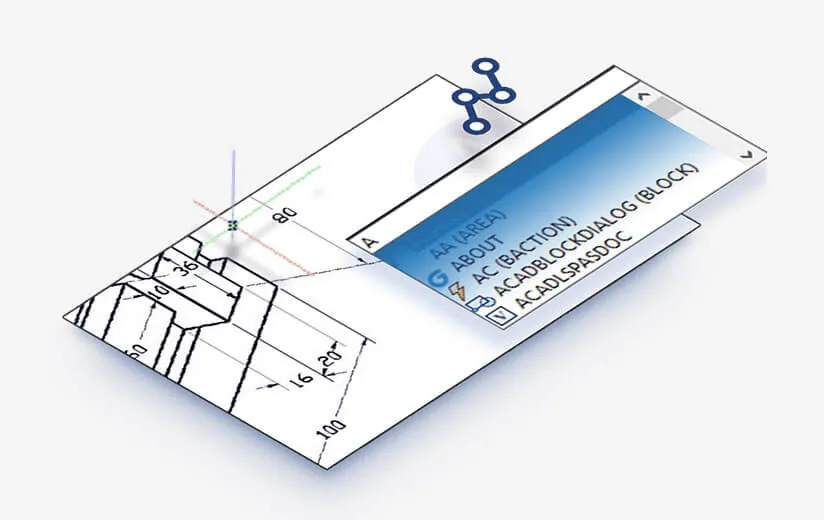
  • 01 Transparent AutoCAD migration: same commands (LINE, PLINE, LAYER, XREF, etc.), shortcuts, aliases, menus
  • 02 Lower total cost: perpetual license without annual subscription — clear ROI for SMEs and large teams
  • 03 Superior performance on large files: opens, regenerates, and saves faster than direct competitors
  • 04 Deep automation: LISP/VBA/.NET/GRX/Python expose full API for macros, custom apps, ERP/PDM integration
  • 05 File compatibility: native DWG ensures zero-friction exchange with clients, partners, government agencies
  • 06 Portuguese technical support (Brazil) via local distributors — SLA, training, customization
  • 07 Proven stability: 20+ years development, mature codebase, fewer crashes in production
  • 08 Lightweight: ~1-2 GB install, modest hardware requirements, runs well on standard corporate laptops

Requisitos

  • 01 OS Windows 10 64-bit (1809+/21H2+) or Windows 11 64-bit — NOT native on macOS/Linux
  • 02 RAM 8 GB minimum / 16 GB recommended / 32 GB+ for large 3D assemblies and render
  • 03 CPU Intel Core i5/i7/i9 (8th gen+) or AMD Ryzen 5/7/9 — 2.5+ GHz, multi-core; AVX2 recommended
  • 04 Disco 4 GB free for installation (SSD NVMe recommended) + space for projects/libraries
  • 05 GPU OpenGL 3.3+ compatible; dedicated GPU 2+ GB VRAM recommended (NVIDIA Quadro/RTX/GeForce, AMD Radeon Pro/RX); Display: 1920x1080 minimum / 4K supported with DPI scaling / native multi-monitor
  • 06 Integrated GPU (Intel UHD 620+, AMD Vega 8+) works for light 2D; dedicated required for 3D/render
  • 07 .NET .NET Framework 4.8+ (for .NET/VBA/COM automation)
  • 08 Network LAN for floating license (network license); internet for initial activation and updates

Perguntas frequentes

Does GstarCAD open AutoCAD DWG files?

Yes. Native DWG compatibility R14 to 2024 — opens, edits, and saves without conversion, preserving layers, blocks, xrefs, layouts, dimensions, hatches, tables, and properties.

Does the software support automation?

Yes. Complete APIs: LISP (AutoLISP/Visual LISP compatible), VBA (VBA 7.1), .NET (C#/VB.NET via GstarCAD .NET API), COM/ActiveX, GRX (C++ native), Python (via pythonnet/.NET). AutoCAD LISP/VBA/.NET examples migrate with few changes.

Does it fully replace AutoCAD?

For the vast majority of 2D/3D CAD workflows (drawing, editing, documentation, plotting, automation, DWG exchange) — yes. Differences remain in advanced proprietary AutoCAD features (e.g., advanced Sheet Set Manager, Action Recorder, some specific 3D commands, native Autodesk Cloud integration). Many teams use GstarCAD as primary CAD and keep 1-2 AutoCAD licenses for specific needs.

Is there a trial version?

Yes. 30-day trial with full functionality (Professional) available from the Brazilian distributor website or gstarcad.net. Flexible licensing: standalone perpetual, network floating, offline — no mandatory subscription.

Does it work on network (floating license)?

Yes. License Manager (based on FLEXnet) enables floating licenses on local network. Requires license server (Windows/Linux) and clients configured to point to server. Supports offline checkout (borrow) for remote work.

Galeria

Softwares relacionados

Verificar VIP Canal público Solicitar Catálogo