Ir para o conteúdo
Voltar ao catalogo
CADConnector
CADConnector

CADConnector

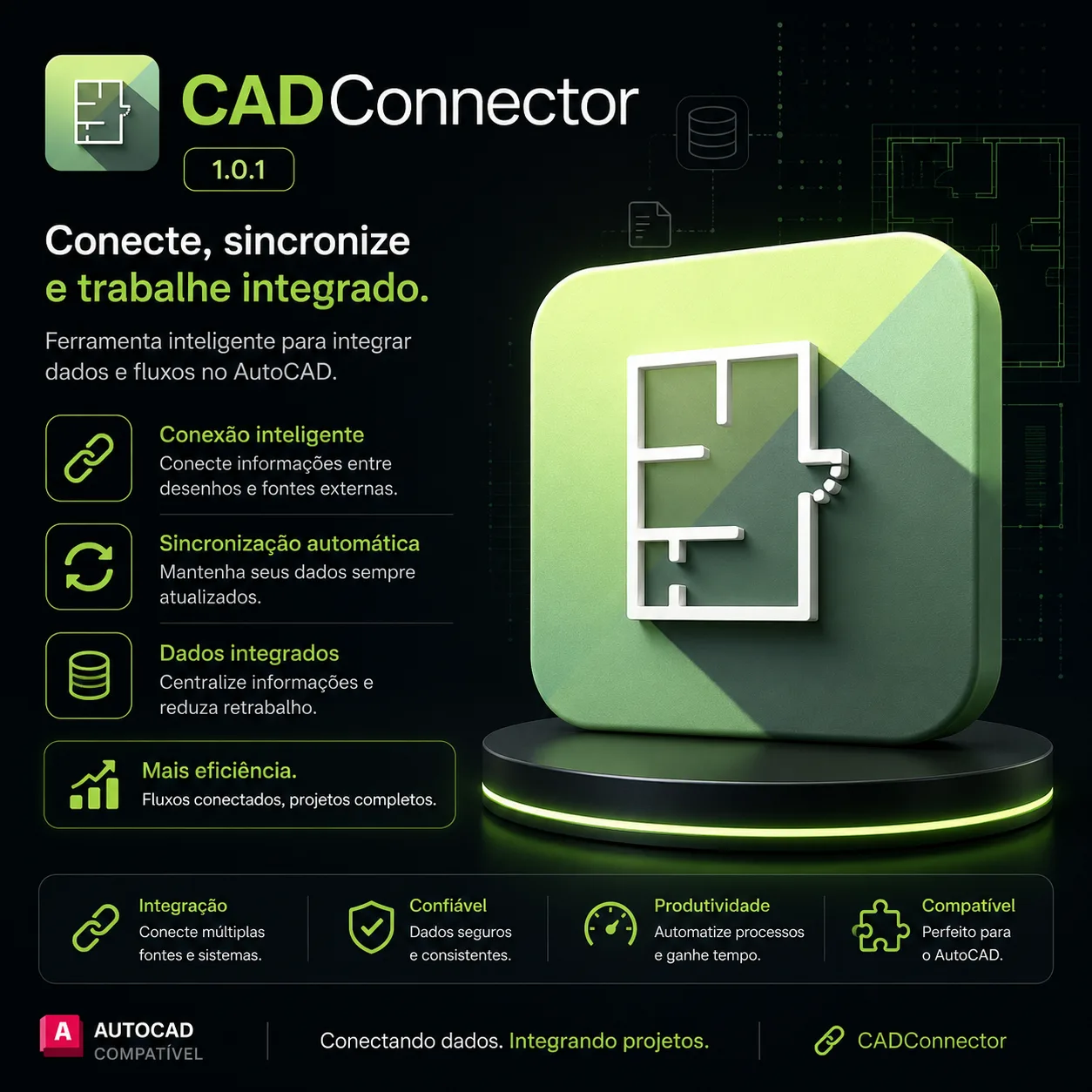
CADConnector synchronizes CAD data with ERP, PLM, and enterprise systems for automated BOM transfer and data consistency.

1.0.1 Available windows Listing verificado

Sinais de confianca

Dados Conferidos
Suporte VIP
Atualizado
Fonte Segura

Use apenas fontes confiaveis e confira a origem antes de instalar qualquer arquivo. Disponibilidade pode variar.

Sobre o software

About CADConnector

CADConnector is an enterprise-grade integration platform that bridges CAD environments with ERP, PLM, and PDM systems, enabling seamless bidirectional data synchronization across the product lifecycle. It eliminates manual data re-entry and ensures engineering and manufacturing systems remain in sync.

Integration Capabilities

CapabilityDetails
CAD-to-ERP/PDM/PLMBidirectional synchronization of BOMs, parts, materials, and metadata
Multi-CAD supportSolidWorks, AutoCAD, Inventor, NX, CATIA, Creo, Solid Edge, and Altium
BOM managementWith engineering BOM (eBOM) to manufacturing BOM (mBOM) transformation
Change managementSynchronization of ECOs, revisions, and effectivity dates
Item master synchronizationParts, assemblies, materials, and purchasing data
Document managementIntegration with drawing files, PDFs, and 3D models

Enterprise Features

Role-based access control, single sign-on (SSO), audit trails for compliance, and configurable workflow automation for approval processes.

Who It's For

  • Engineering teams syncing BOMs between CAD and ERP/PDM/PLM
  • Manufacturing engineers eliminating manual data re-entry
  • IT departments integrating multi-CAD environments (SolidWorks, NX, CATIA, Creo)
  • Organizations needing ECO and revision synchronization

Why Professionals Choose CADConnector

CADConnector eliminates the manual re-typing of BOMs and item data between engineering and manufacturing systems — the single largest source of data errors in product development. Its multi-CAD support and change-management sync keep eBOMs, mBOMs, and item masters consistent enterprise-wide.

CanalVIP: Organized Access & Support

CanalVIP organizes download links, technical information, and access guidance. Licenses, activations, plugins, and paid resources follow the terms of each vendor or distributor.
Principais recursos

  • 01 Data synchronization between CAD environments and external ERP/PLM/PDM systems
  • 02 Integration with SAP, Oracle, Microsoft Dynamics, PTC Windchill, Siemens Teamcenter, Dassault 3DEXPERIENCE
  • 03 Product structure (BOM) processing with eBOM to mBOM transformation
  • 04 Validation of data correctness and completeness before synchronization
  • 05 Automation of data entry and transfer tasks with scheduled and event-driven sync
  • 06 Technical documentation and version management in a single location
  • 07 Compatibility with SolidWorks, AutoCAD, Inventor, NX, CATIA, Creo, Solid Edge, Altium
  • 08 Reduction of manual data entry and inconsistency errors
  • 09 Role-based access control and single sign-on (SSO) support
  • 10 Audit trails for regulatory compliance and change tracking
  • 11 Configurable workflow automation for approval processes
  • 12 Real-time and batch synchronization modes

Beneficios

  • 01 Eliminates rework caused by inconsistent data between design and production
  • 02 Reduces manual information processing time by up to 80%
  • 03 Increases productivity with always-updated data across systems
  • 04 Minimizes data entry and transfer errors with automated validation
  • 05 Improves collaboration between engineering, manufacturing, and procurement teams
  • 06 Scalable and customizable to company-specific workflows and data models
  • 07 Reduces time-to-market by streamlining design-to-production handoffs
  • 08 Ensures single source of truth for product data across the enterprise
  • 09 Supports regulatory compliance with complete audit trails

Requisitos

  • 01 OS Windows 10/11 64-bit / Windows Server 2019/2022
  • 02 RAM 8 GB minimum / 16 GB recommended for multi-CAD environments
  • 03 CPU Intel Core i5 or AMD Ryzen 5 equivalent (2.5+ GHz, 4+ cores)
  • 04 Disco 2 GB free for installation / 10+ GB for logs and temporary sync data
  • 05 GPU Compatible with CAD graphics acceleration (not GPU-intensive) | Network: LAN connectivity to ERP/PLM/PDM servers; HTTPS/REST API access | CAD Platforms: SolidWorks 2020+, AutoCAD 2020+, Inventor 2020+, NX 1847+, Creo 7.0+ | Database: SQL Server 2019+ or PostgreSQL 13+ for local cache

Perguntas frequentes

What is CADConnector?

It is an integration tool that connects CAD environments to external systems, synchronizing technical data and reducing rework.

What systems does CADConnector integrate with?

The tool connects CAD environments to ERP (SAP, Oracle, Dynamics), PLM (Windchill, Teamcenter, 3DEXPERIENCE), and PDM systems.

Does CADConnector work with AutoCAD?

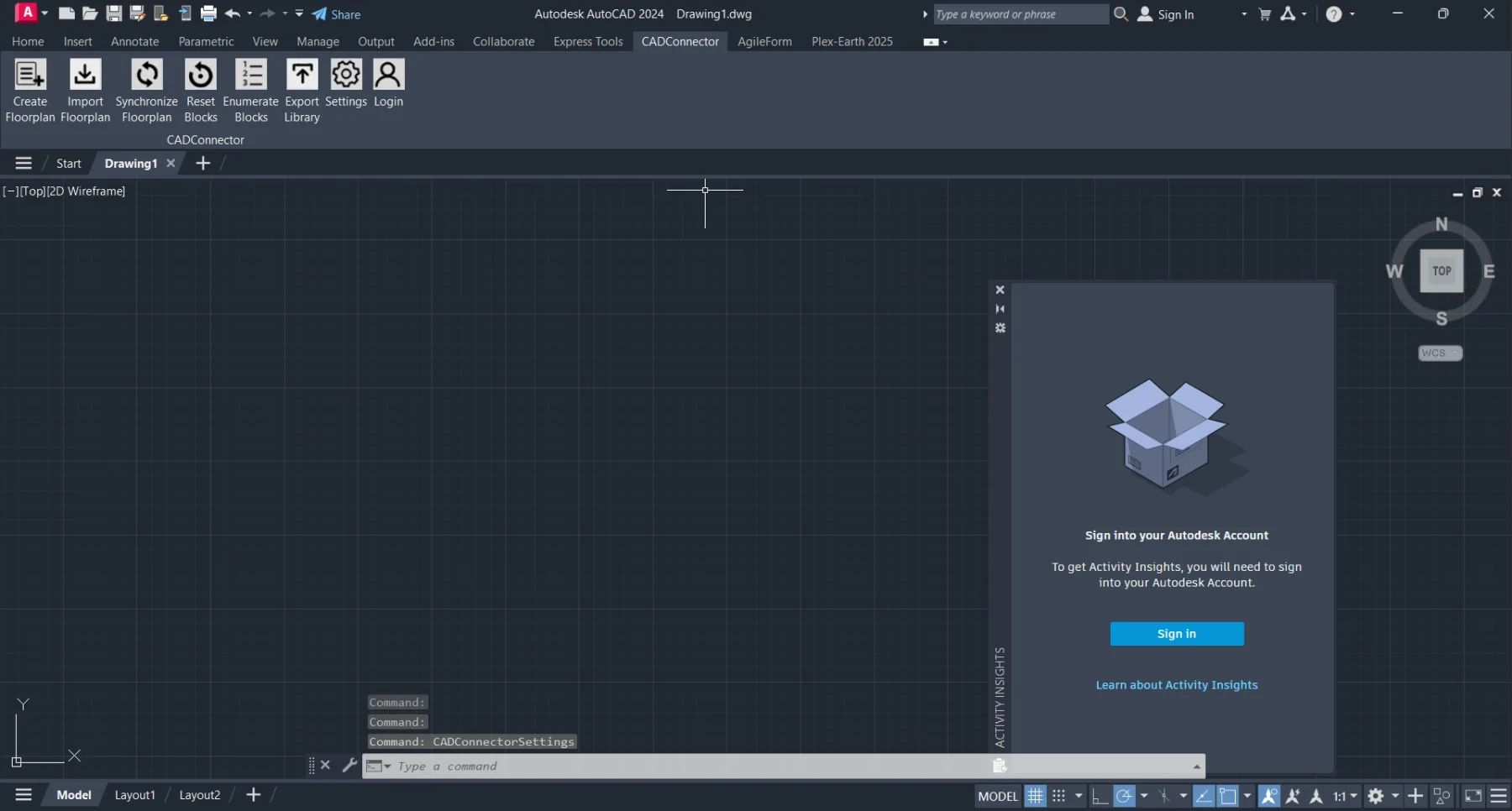
Yes. Integration works directly in AutoCAD and compatible BIM platforms via add-ins.

Is synchronization automatic?

Yes. Changes made in CAD or the external system are synchronized automatically based on configurable triggers.

Does CADConnector reduce data entry errors?

Yes. By eliminating duplicate manual data entry, the tool significantly reduces errors and inconsistencies.

What CAD platforms are supported?

SolidWorks, AutoCAD, Inventor, NX, CATIA, Creo, Solid Edge, and Altium with version-specific add-ins.

Is there a cloud deployment option?

Yes. CADConnector supports on-premises, private cloud, and hybrid deployment models.

How is security handled?

Role-based access control, SSO integration, encrypted data transfer, and complete audit logging.

Galeria

Softwares relacionados

Verificar VIP Canal público Solicitar Catálogo